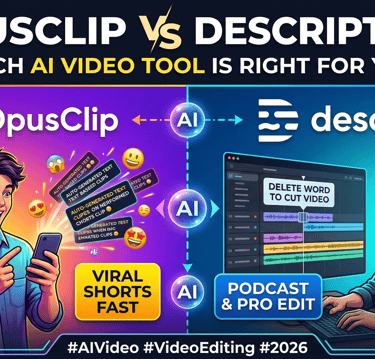
OpusClip vs Descript 2026: Which AI Video Tool Is Right for You?
If you're a content creator trying to keep up with short-form video in 2026, you've probably come across both OpusClip and Descript. They both use AI, they both handle video, and they both promise to save you time. But they're actually very different tools built for very different workflows.
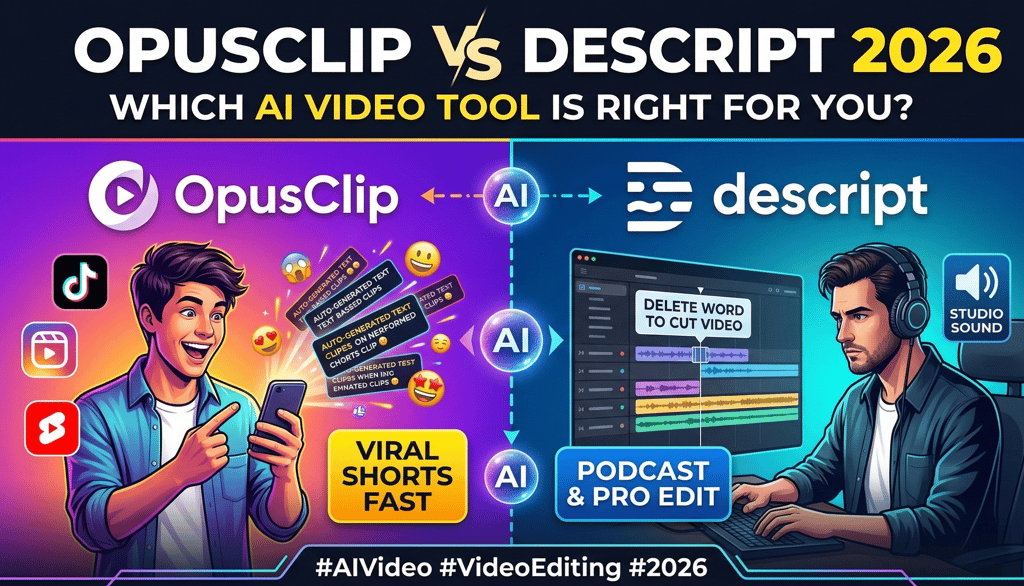
I've tested both extensively for my content creation process, and the short version is this: OpusClip is built for automated clipping and content repurposing, while Descript is a full-featured video and podcast editor. Choosing the right one depends on what you actually need to get done.
In this comparison, I'll break down exactly how they differ, where each one shines, and which one deserves your money based on how you create content.
Full disclosure: This post contains affiliate links. If you sign up through them, I may earn a commission at no extra cost to you.
The Core Difference
Before we get into features and pricing, it's worth understanding what these tools are actually trying to do, because the answer is completely different.
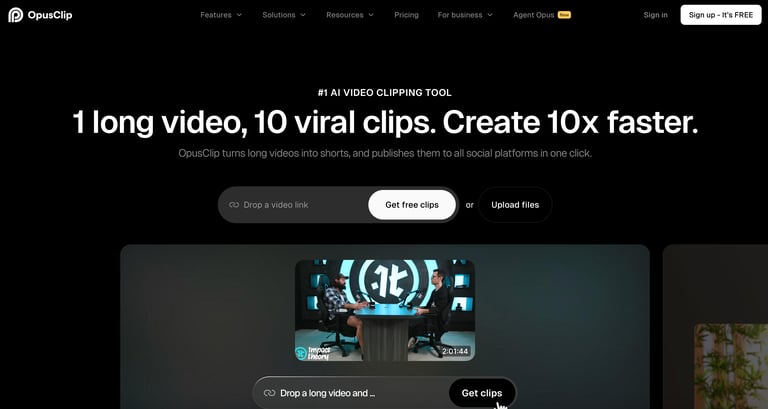
OpusClip is a repurposing tool. You give it a long video, and its AI automatically finds the best moments and turns them into short, captioned, vertical video clips ready for TikTok, YouTube Shorts, and Instagram Reels. You're not really editing anything — you're letting AI do the clipping for you.
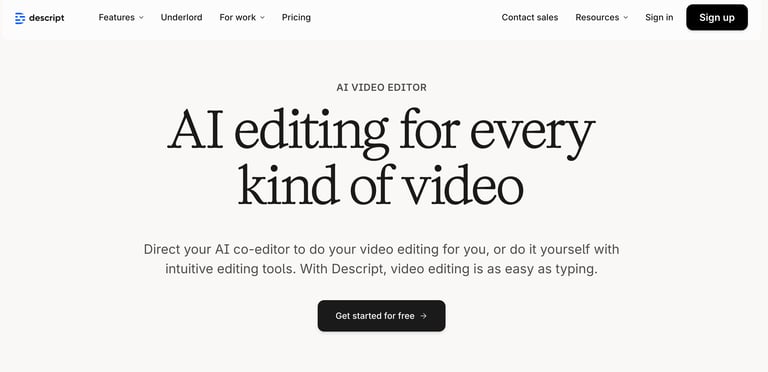
Descript is a video and podcast editor where you edit video by editing text. It transcribes your content, and then you cut, rearrange, and polish your video by working with the transcript like a document. It can also generate clips, but transcript editing is the core workflow, not automated clip generation.
Think of it this way: OpusClip is like hiring someone to watch your long videos and pull out viral clips for social media. Descript is like hiring an editor who handles the entire post-production process from long-form video editing to final export.
Feature Comparison
AI Clip Generation
This is where OpusClip has a clear edge. Its ClipAnything model analyzes your video using speech patterns, visual cues, and sentiment to find the most engaging moments automatically. From a single 30-minute video, you might get 10-20 clips in about five minutes. Each clip gets a Virality Score from 0-100 to help you prioritize which ones to post.
Descript has a "Find Good Clips" feature that can also suggest clips from your content, but it's more limited. In my testing, Descript typically surfaced 3-5 clips from the same video where OpusClip found 15+. Descript's clip suggestions also require more manual cleanup — you'll spend more time trimming and adjusting.
Winner: OpusClip, and it's not close. If automated clip generation is your primary need, OpusClip is purpose-built for it.
Video Editing
This is where Descript dominates. Its text-based editing approach lets you edit video the same way you'd edit a document. Delete a word from the transcript, and it disappears from the video. Rearrange sentences, and the video rearranges too. You also get multi-track editing, transitions, screen recording, and traditional timeline controls.
OpusClip's built-in editor is minimal. You can trim clips, adjust captions, and swap out B-roll, but that's about it. If you need to make precise cuts, overlay graphics, add custom transitions, or do any real post-production work, you'll need to export your clips to another editor anyway.
Winner: Descript, by a mile. OpusClip isn't trying to be an editor, and it shows.
Captions and Subtitles
Both tools handle captions well, but differently.
OpusClip generates animated auto captions automatically on every clip — the kind you see on popular TikTok and Reels content, with keyword highlights, emoji placement, and color-coded text. Accuracy is around 97% for English, and you get 20+ language support. The captions look ready-to-post right out of the box.
Descript also generates auto captions with high accuracy, and its transcription engine is excellent across 25 languages. But the styling is more functional than flashy. You can customize them, but getting that "viral short-form" look takes more manual work compared to OpusClip's pre-styled animated options.
Winner: Tie. OpusClip's captions look better on short-form content out of the box. Descript's transcription is arguably more accurate and flexible for long-form use.
Audio Quality
Descript wins here hands down. Its Studio Sound feature can take mediocre audio and make it sound like it was recorded in a professional studio. You also get audio cleanup tools, filler removal (automatically strips out every "um" and "uh"), eye contact correction, green screen backgrounds, and AI voice cloning through Overdub — which lets you fix mistakes by typing what you meant to say and having AI generate it in your voice.
OpusClip doesn't touch your audio quality at all. What you upload is what you get. If your source video has bad audio, your clips will too.
Winner: Descript. If audio matters to your content (and it should), Descript's tools are in a different league.
Social Media Publishing
OpusClip has a built-in social media scheduler (on the Pro plan) that lets you post directly to all major social media platforms — YouTube Shorts, TikTok, Instagram Reels, Facebook, LinkedIn, and X. You can schedule a month of content in one session and let it auto-post. This is a huge time-saver for creators who want to maintain a consistent posting schedule without manually uploading to each platform.
Descript lets you export and share content, but it doesn't have direct auto-posting to social platforms. You'll need to download your clips and upload them manually, or use a separate social scheduling tool.
Winner: OpusClip. The integrated scheduler removes an entire step from the repurposing workflow.
Content Reframing
OpusClip's auto reframing feature automatically converts landscape (16:9) video to vertical (9:16) while tracking the active speaker and keeping them centered in frame. It also supports square (1:1) output. This happens automatically when clips are generated.
Descript can resize your canvas and adjust framing, but it's a more manual process. You can set the aspect ratio, but the intelligent speaker tracking that OpusClip offers isn't as automated in Descript.
Winner: OpusClip for automated reframing. Descript gives you more control if you want to manually adjust framing.
AI B-Roll
OpusClip can automatically insert contextually relevant B-roll footage from Pexels or AI-generated visuals into your clips. It's still experimental (labeled as a "lab" feature) and works better for generic topics than niche content. But when it hits, it makes social-ready clips significantly more engaging.
Descript doesn't have an equivalent auto B-roll feature. You can add B-roll manually from stock libraries, but there's no AI automatically inserting it for you.
Winner: OpusClip, though with the caveat that it's still inconsistent.
Pricing Comparison
Here's how the costs stack up:
OpusClip Pricing
Free: $0/month. 60 credits, watermarked exports, clips expire after 3 days. Testing only.
Starter: $15/month. 150 credits, no watermark, Virality Score, animated captions, one brand template.
Pro: $29/month or $174/year ($14.50/month). 3,600 credits/year, AI B-roll, social scheduler, two brand templates, team workspace, export to Premiere/DaVinci.
Business: Custom pricing. Priority processing, API access, dedicated support.
Descript Pricing
Free: $0/month. 1 hour of transcription, watermarked exports, 720p max, 5GB storage.
Hobbyist: $24/month or $16/month billed annually. 10 hours transcription, 1080p export, basic AI features.
Creator: $33/month or $24/month billed annually. 30 hours transcription, 4K export, full AI tools including Studio Sound and Eye Contact.
Business: $55/month billed annually. 40 hours transcription, unlimited AI features, team collaboration, priority support.
Value Analysis
For pure short-form repurposing, OpusClip's Pro plan at $14.50/month (annual) is hard to beat. You get automated clipping, captions, reframing, scheduling, and B-roll generation for less than Descript's cheapest paid plan.
For anyone who needs actual video editing plus clipping capability, Descript's Creator plan at $24/month (annual) is the better investment. You're getting a complete editing suite that can also generate clips, plus audio cleanup tools that genuinely improve your content quality.
Who Should Choose OpusClip?
Podcasters who want social clips fast. You already have long-form audio/video content. You just need it chopped into shareable clips. OpusClip turns an hour-long episode into a dozen clips in minutes.
YouTubers growing their Shorts channel. If you're already publishing long videos and want to maximize reach by repurposing into Shorts, Reels, and TikTok, OpusClip is the most efficient path.
Social media managers juggling multiple platforms. The built-in scheduler and batch processing make it practical to maintain daily posting across platforms without a separate scheduling tool.
Anyone who doesn't want to learn video editing. OpusClip's learning curve is basically zero. Upload, click, review, post.
Who Should Choose Descript?
Creators who edit their own videos. If you're doing any post-production work — cutting dead air, rearranging segments, adding music, cleaning up audio — Descript handles the full workflow.
Podcasters who need production tools. Recording, editing, multi-track mixing, filler word removal, Studio Sound — Descript is a complete podcast production platform.
Teams that collaborate on content. Descript's collaborative editing features let multiple people work on the same project, leave comments, and share feedback in real-time.
Anyone who cares about audio quality. The audio cleanup tools alone justify Descript for creators with less-than-perfect recording setups.
Can You Use Both?
Honestly, yes — and this might be the smartest move for serious creators. Using both tools together creates a powerful content pipeline. Here's the workflow I'd recommend:
Record and edit your long-form content in Descript. Use text-based editing, Studio Sound, and filler word removal to produce a polished final video.
Upload the finished video to OpusClip. Let its AI generate 10-20 short clips automatically.
Review, curate, and schedule the best clips. Use OpusClip's scoring system (Virality Score) to prioritize the most promising viral clips and its scheduler to maintain daily posting across social media.
This gives you Descript's production quality with OpusClip's repurposing speed. It does mean paying for two tools, but if your content creation is central to your business or brand, the time savings are significant.
Final Verdict
These tools aren't really competitors — they're complementary. Comparing OpusClip to Descript is like comparing a highlight reel generator to a full editing studio. They do different things for different needs.
Choose OpusClip if you already have long videos and your main challenge is turning them into short-form clips consistently. It's faster, cheaper, and more automated for that specific job.
Choose Descript if you need to actually edit and produce video or podcast content. It's a more powerful and versatile tool that handles the full creative workflow.
Choose both if you're a serious content creator who wants the best production quality and the fastest repurposing pipeline. Use Descript to create, OpusClip to distribute.
Either way, you're saving hours every week compared to doing this work manually. The question isn't whether these tools are worth it — it's which combination fits your workflow.
Looking for more AI tool recommendations? Check out my in-depth reviews: