10 Best AI Tools for YouTube Creators in 2026 (Tested & Ranked)
Discover the 10 best AI tools for YouTube creators in 2026. From voiceovers to thumbnails to SEO, these tools cut production time in half. Includes pricing, pros/cons, and recommendations.
1/20/202610 min read
10 Best AI Tools for YouTube Creators in 2026 (Tested & Ranked)
Full disclosure: This post contains affiliate links. If you sign up through them, I may earn a commission at no extra cost to you. Prices and features are current as of January 2026, based on official sources.
1. ElevenLabs – AI Voiceovers That Sound Human
Best for: Faceless channels, tutorials, narration, multilingual dubbing
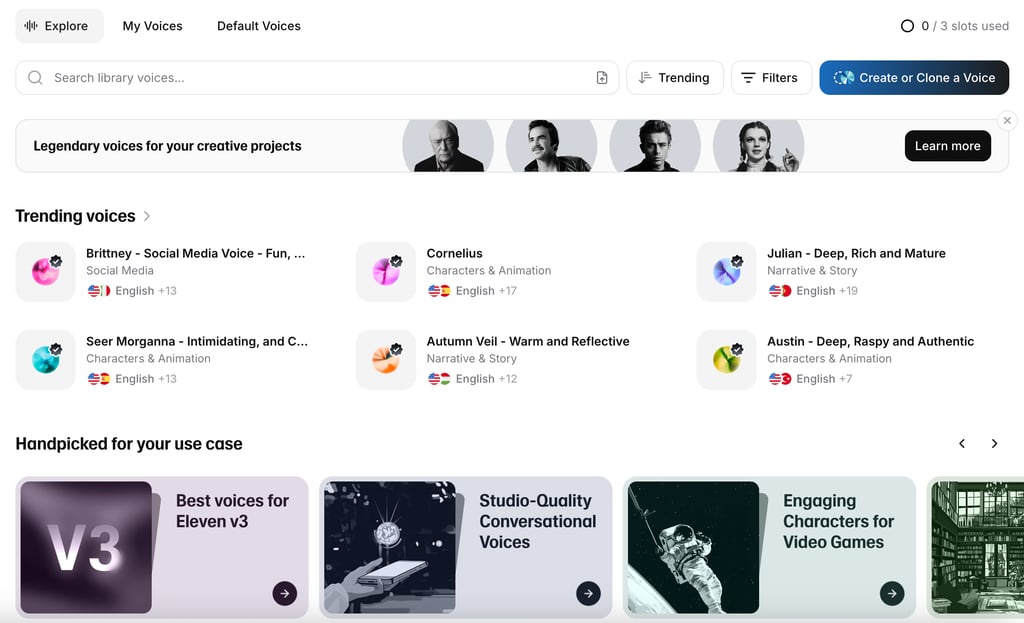
What it does: ElevenLabs generates ultra-realistic AI voices from text. You can also clone your own voice and use it to create unlimited voiceovers without ever recording yourself.
Why it's essential: If you're creating educational content, documentaries, or faceless YouTube channels, ElevenLabs is a game-changer. The voice quality is so good that most viewers can't tell it's AI. I use it regularly for tutorial voiceovers and it's saved me countless hours of recording and re-recording.
Key features:
70+ pre-made AI voices (male, female, various accents)
Voice cloning (instant and professional modes)
Multilingual support (70+ languages)
Fast generation (30 seconds for a 5-minute voiceover)
Commercial usage rights on paid plans
Pricing:
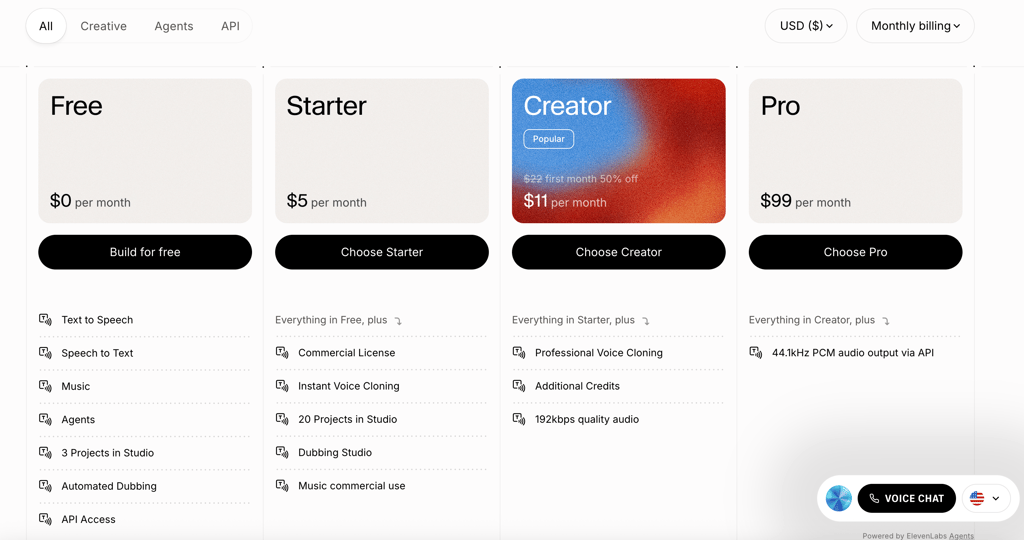
Free: 10,000 credits/month (~10 minutes of audio)
Starter: $5/month (30,000 credits)
Creator: $11-22/month (100,000 credits + professional voice cloning)
Pro: $99/month
My take: This is the best AI voice generator on the market. If you create content that needs voiceovers, this tool pays for itself immediately.
Read my full ElevenLabs review →
2. vidIQ – YouTube SEO & Analytics on Steroids
Best for: Anyone serious about growing a YouTube channel
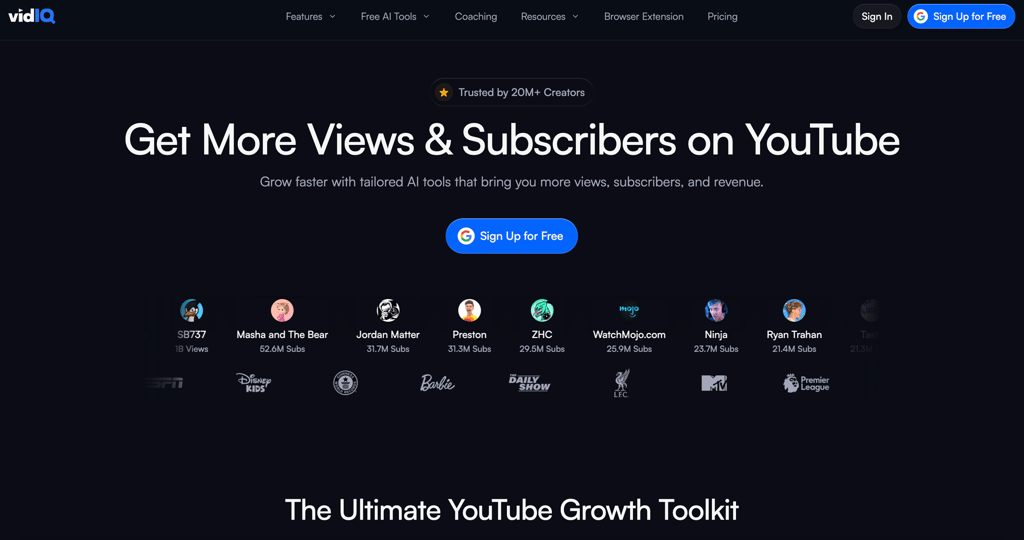
What it does: vidIQ is a comprehensive YouTube analytics and optimization tool. It helps you find the right keywords, spy on competitors, optimize titles and tags, and track your channel's performance in real-time.
Why it's essential: YouTube success isn't luck—it's data. vidIQ shows you exactly what keywords to target, what your competitors are doing right, and which of your videos have the most growth potential. It's like having a YouTube strategist in your browser.
Key features:
Advanced keyword research with search volume data
Competitor tracking (see their tags, upload times, growth rates)
AI Coach that analyzes your channel and suggests improvements
Real-time analytics (views-per-hour, trend detection)
Browser extension that integrates directly into YouTube
AI-powered title and thumbnail suggestions
Pricing:
VidIQ emphasizes annual billing for savings, with options to cancel anytime. There's also a free tier for basic access and trials.
Free - $0/month
Limited AI credits
Limited keyword suggestions, data-driven video ideas, trial access to premium tools
Great for testing before upgrading
Boost - $16.58/month (billed annually)
150 AI credits for AI Clipping and Shorts generation
Keyword identification for reach, personalized content ideas, video optimization for views
Competitive intel, quick thumbnails, AI Coach with deep thinking
Masterclasses from top creators
Most popular plan; full toolkit for individual creators
Coaching - $199/month (billed annually)
Everything in Boost, plus 150 AI credits
Personalized coach matching, 1-on-1 guidance, expert channel feedback
Step-by-step growth plan, advice on titles/hooks/pacing
Asynchronous coaching for faster growth; ideal for serious creators
Enterprise - Custom pricing (contact for quote)
Everything in Boost for multiple channels
Team roles/permissions, priority onboarding/support
Cross-channel insights/reporting
For brands, agencies, or MCNs with 3+ channels
My take: If you're publishing 2+ videos per week and want to grow strategically, vidIQ is non-negotiable. The keyword research alone justifies the cost.
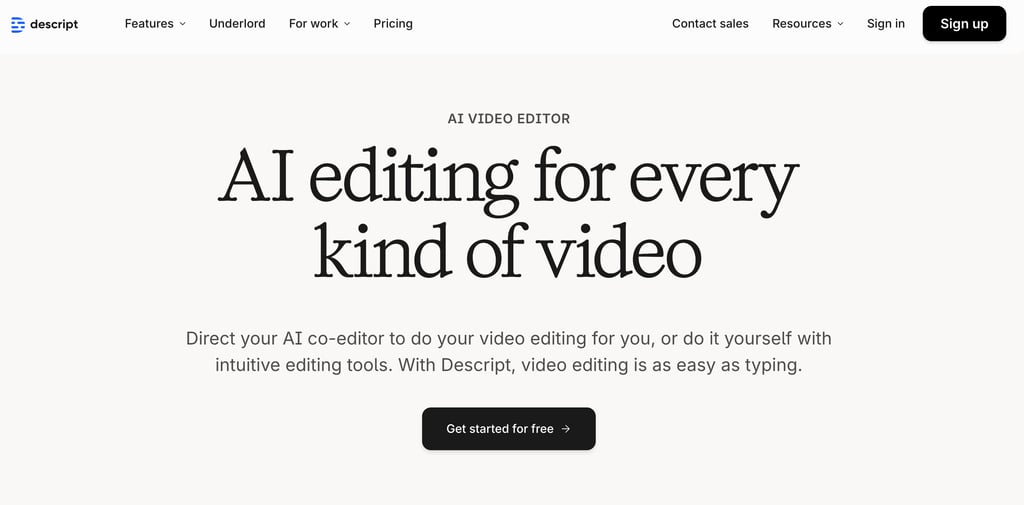
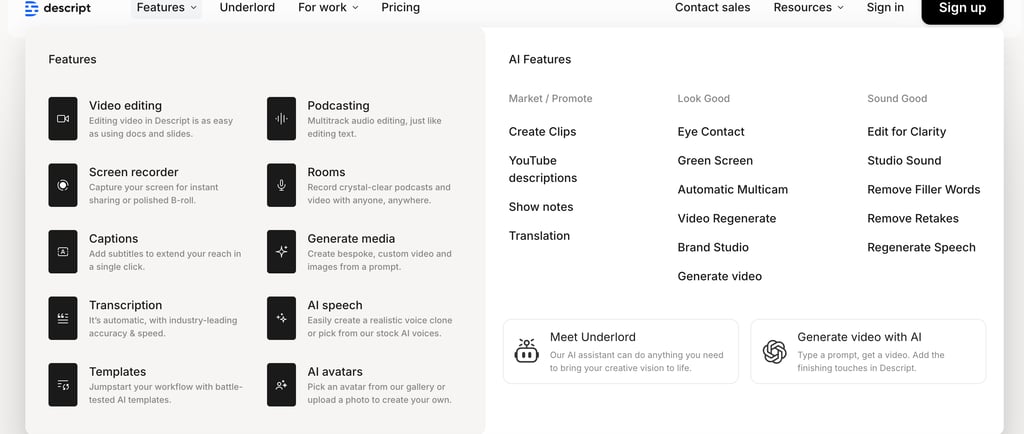
3. Descript – All-in-One Video Editing with AI
Best for: Creators who want to edit video as easily as editing a document
What it does: Descript is a video and audio editor that lets you edit by editing the transcript. Delete a sentence in the text, and it removes that section from the video. It also includes AI features like filler word removal, studio-quality audio enhancement, and voice cloning (Overdub).
Why it's essential: Traditional video editing is tedious. Descript's "edit video like a document" approach is 10x faster. You can cut, rearrange, and polish your videos in a fraction of the time it takes in Premiere or Final Cut.
Key features:
Text-based video editing
Automatic transcription (highly accurate)
Filler word removal ("um," "uh," "like")
Studio Sound (makes bad audio sound professional)
Overdub (voice cloning for corrections)
Screen recording and multi-cam editing
Pricing:
Hobbyist: $24/month
Creator: $35/month
Business: $65/month
Save up to 35% with annual billing!
My take: If you edit videos regularly, Descript saves hours per video. The learning curve is minimal compared to traditional editors.
Best for: YouTube creators who do interviews, tutorials, or talking-head videos.
4. TubeBuddy – YouTube Workflow Automation
Best for: Creators who need bulk editing and A/B testing
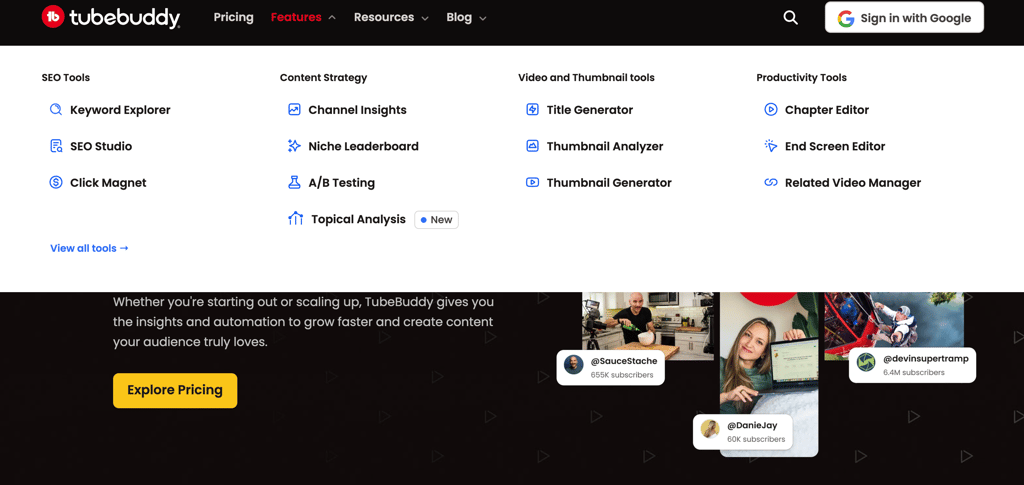
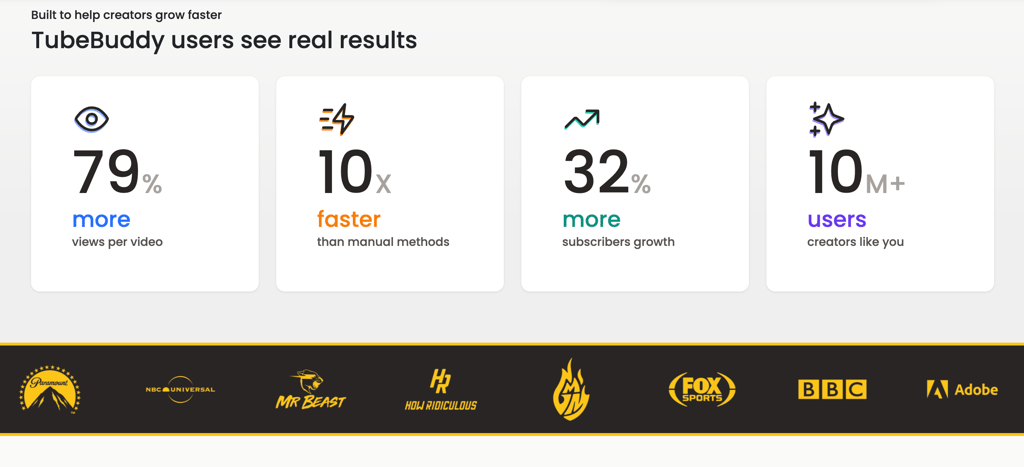
What it does: TubeBuddy is a YouTube growth tool similar to vidIQ, but it focuses more on workflow efficiency. It's best known for bulk processing (updating 50 video descriptions at once), A/B testing for thumbnails and titles, and productivity tools like templates and suggested tags.
Why it's useful: If you have a backlog of videos to optimize or want to test which thumbnails perform best, TubeBuddy is the most practical option. It's also cheaper than vidIQ for basic plans.
Key features:
A/B testing for thumbnails, titles, and descriptions
Bulk editing tools (update multiple videos at once)
Suggested tags and SEO optimization
Canned responses for comments
Best time to publish analysis
Promotion and outreach tools
Pricing:
Pro: $49/month (great for beginners)
Legend: $199/month (advanced features)
My take: TubeBuddy is better than vidIQ for workflow efficiency and bulk updates. Many creators use both—vidIQ for analytics, TubeBuddy for optimization.
Best for: Creators with large back catalogs of videos or those who A/B test constantly.
5. Canva – AI-Powered Thumbnail & Graphics Design
Best for: Creating eye-catching thumbnails without design skills
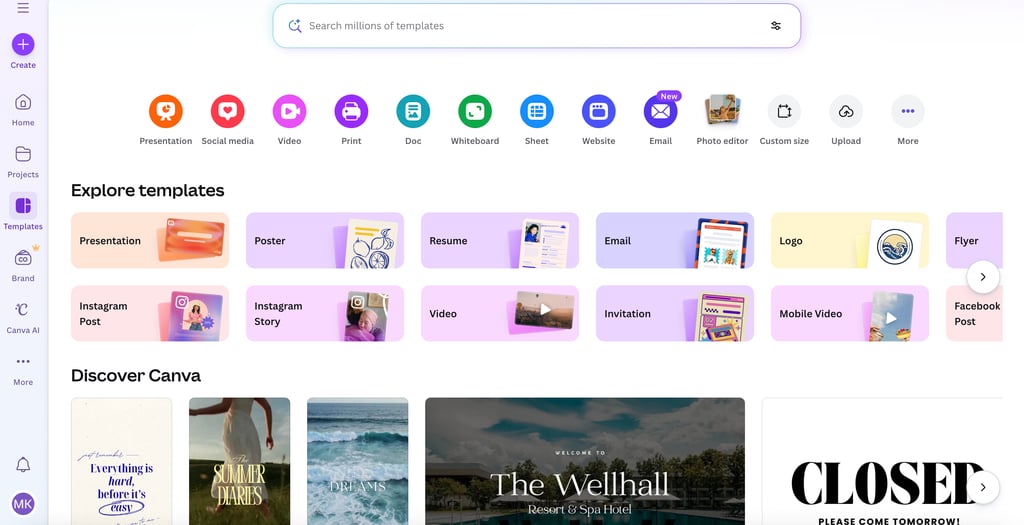
What it does: Canva is a graphic design platform with thousands of templates and AI-powered design features. For YouTube creators, it's essential for creating thumbnails, channel banners, end screens, and social media graphics.
Why it's essential: Your thumbnail is the #1 factor in whether someone clicks your video. Canva makes it easy to create professional thumbnails in 5 minutes, even if you have zero design experience.
Key features:
YouTube thumbnail templates (optimized for CTR)
Magic Design (AI generates designs from prompts)
Background remover (cut yourself out of photos)
Brand kit (save your colors, fonts, logos)
Drag-and-drop editor (no learning curve)
Video editing (create intros, outros, Shorts)
Pricing:
Free: Access to thousands of templates
Pro: $13/month (premium templates, background remover, brand kit)
My take: Even if you're a Photoshop expert, Canva is faster for YouTube graphics. The templates are specifically designed for high CTR.
Best for: Every single YouTube creator. No exceptions.
6. ChatGPT (or Claude) – AI Script Writing & Brainstorming
Best for: Generating video ideas, writing scripts, and outlining content
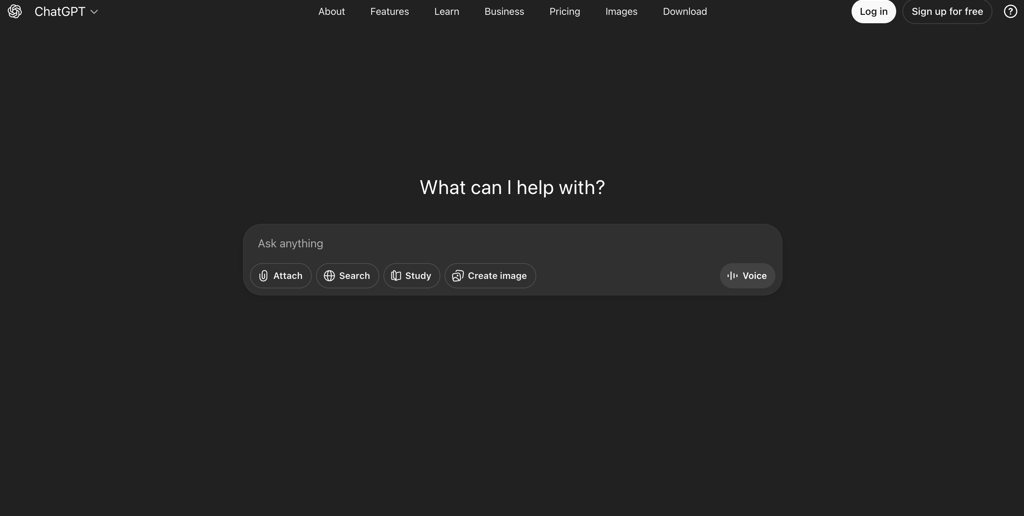
What it does: ChatGPT is OpenAI's conversational AI (Claude by Anthropic is similar). For YouTube creators, it's invaluable for brainstorming video ideas, writing scripts, creating outlines, and even drafting video descriptions and titles.
Why it's useful: Writer's block kills productivity. ChatGPT can generate 20 video ideas in 30 seconds, write a full script outline in 2 minutes, or help you refine your hook. It's like having a creative partner on demand.
Key features:
Brainstorm video topics based on trends
Write full video scripts or outlines
Generate multiple title options (then test them)
Draft video descriptions optimized for SEO
Answer niche-specific questions for research
Pricing:
Free: ChatGPT 3.5 or Claude (both excellent)
ChatGPT Plus: $20/month (GPT-4, faster responses)
My take: Every creator should use ChatGPT or Claude. Even the free versions are incredibly powerful for content ideation and scripting.
Best for: Any creator who writes scripts or struggles with video ideas.
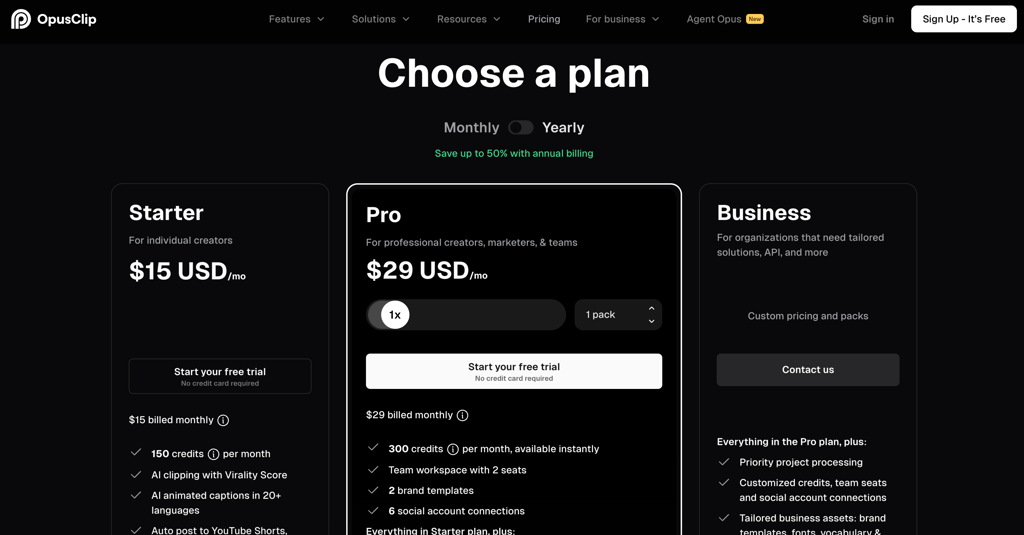
7. OpusClip – AI Shorts Generator from Long Videos
Best for: Repurposing long-form content into viral Shorts
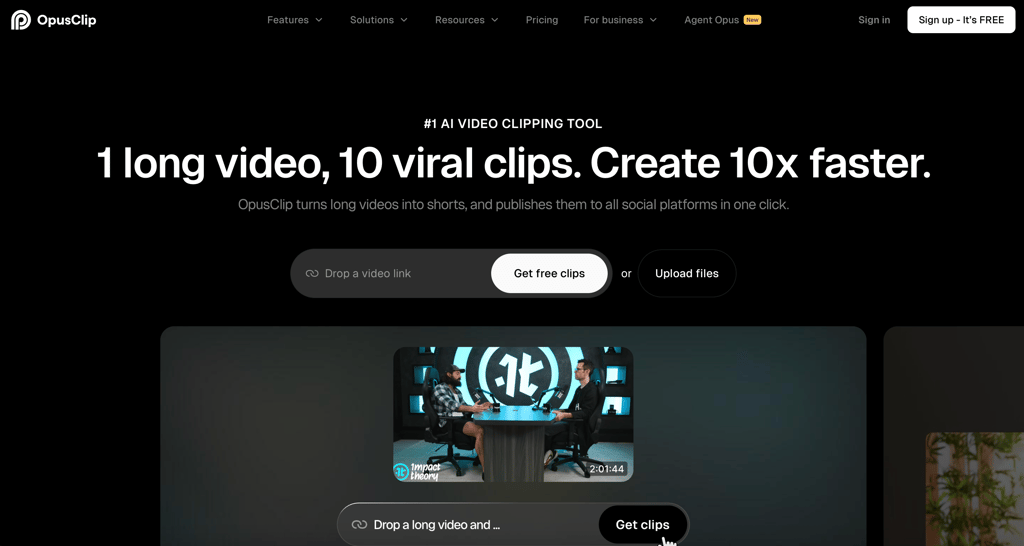
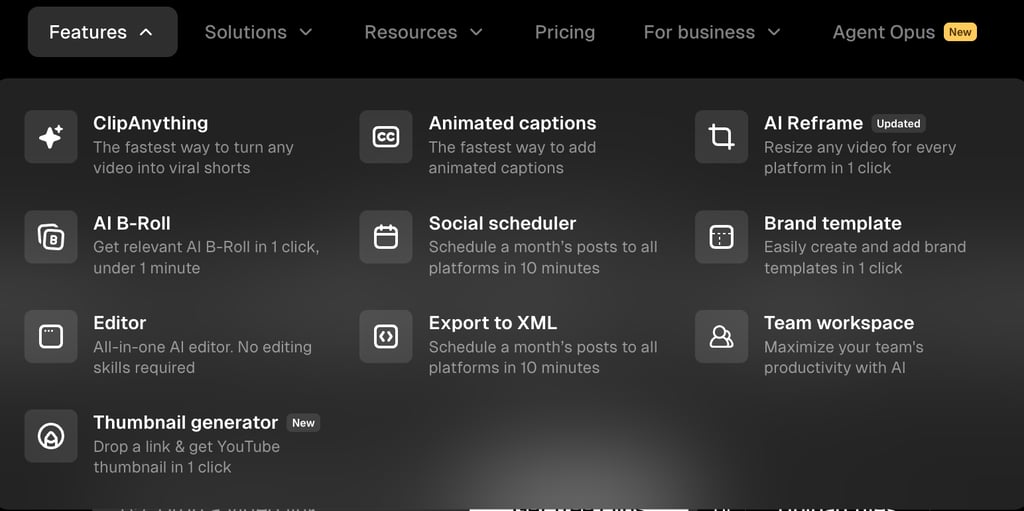
What it does: OpusClip analyzes your long-form videos and automatically clips the best moments for YouTube Shorts, TikTok, or Instagram Reels. It adds captions, identifies hooks, and ranks clips by viral potential.
Why it's useful: YouTube Shorts are a massive growth opportunity in 2026, but manually clipping highlights from 20-minute videos is tedious. OpusClip automates 90% of the work.
Key features:
AI-powered clip detection (finds viral moments)
Auto-captions with customizable styles
Viral score prediction (which clips will perform best)
One-click repurposing for TikTok, Reels, Shorts
Face tracking and auto-reframing
Pricing:
My take: If you create long-form content and want to tap into Shorts traffic, OpusClip is worth every penny. It's not perfect (sometimes picks weird moments), but it's 10x faster than manual clipping.
Best for: Podcasters, tutorial creators, and anyone with long-form content to repurpose.
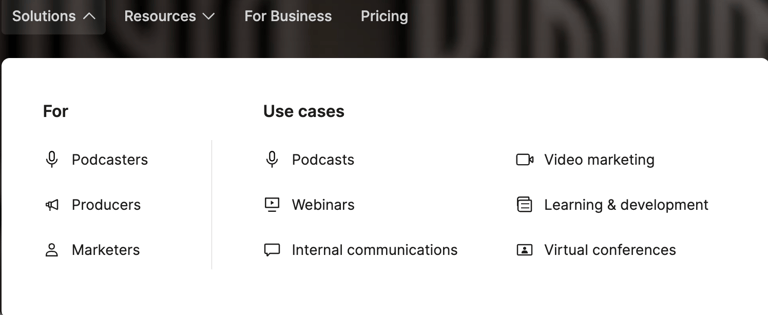
8. Riverside.fm – Studio-Quality Remote Recording
Best for: Podcasters, interviewers, and remote collaboration
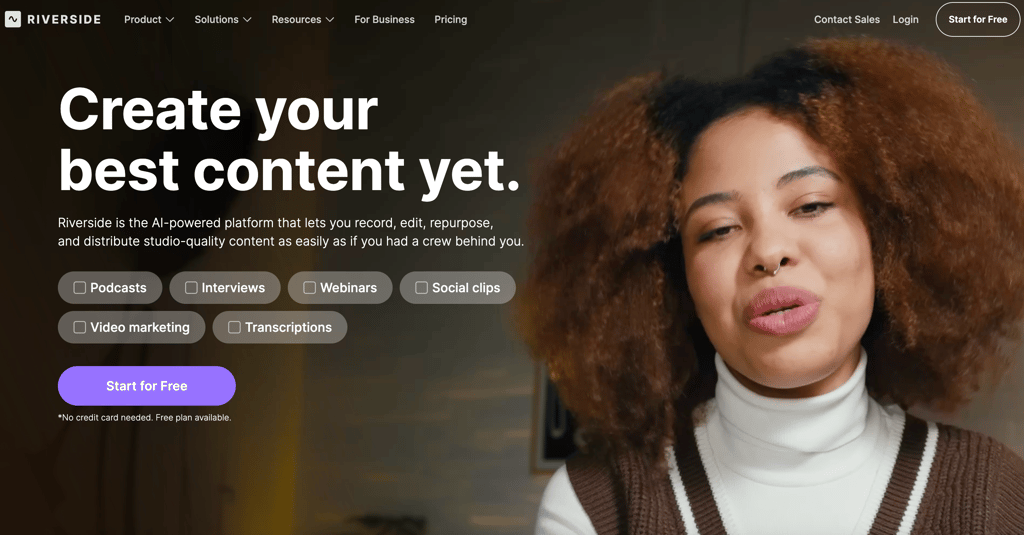
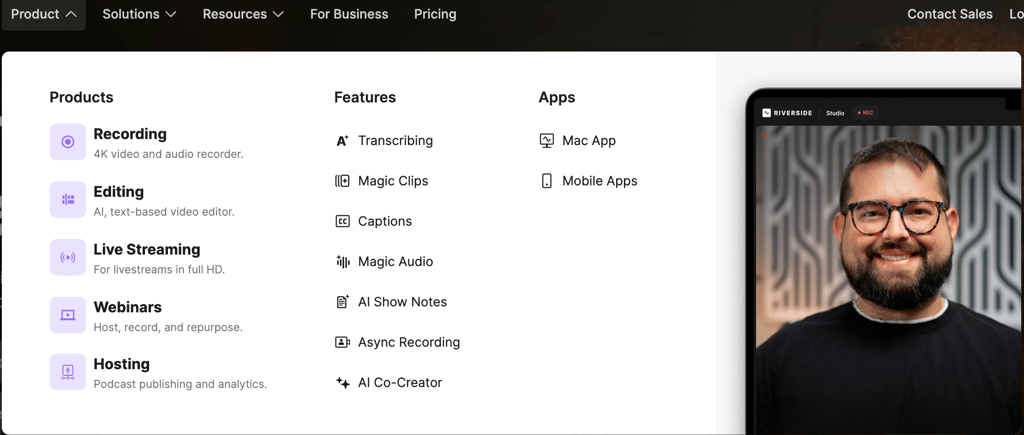
What it does: Riverside.fm records video and audio locally on each participant's device (not through the internet), ensuring studio-quality recordings even with spotty wifi. It's like Zoom but built specifically for content creation.
Why it's essential: If you do interviews, podcasts, or remote collaborations, Riverside eliminates the "bad audio/video" problem. You get 4K video and lossless audio every time.
Key features:
Local recording (4K video, 48kHz audio)
Automatic transcription
AI-powered clip creation (finds highlights)
Live streaming to YouTube, Facebook, LinkedIn
Multi-track editing (separate audio for each person)
Pricing:
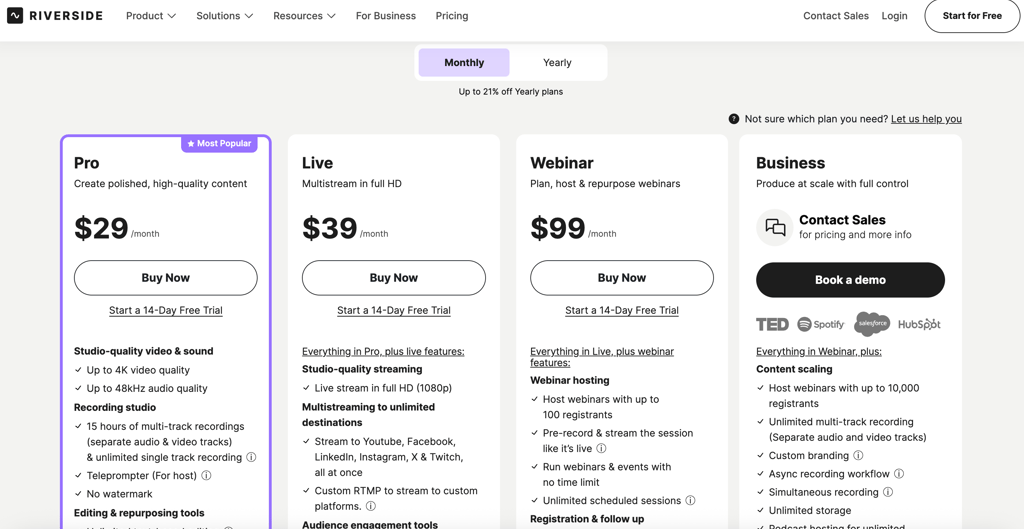
My take: If you record with guests or co-hosts, Riverside is mandatory. The audio quality difference is immediately noticeable.
Best for: Podcasters, interview-style creators, remote collaborations.
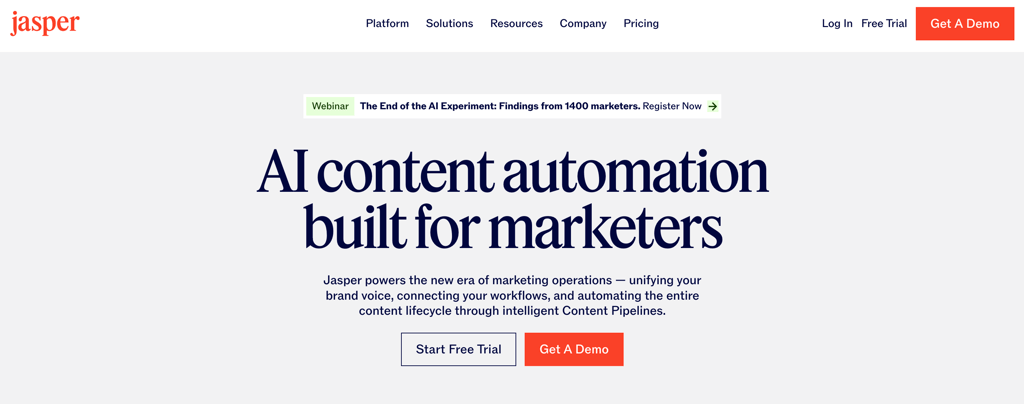
9. Jasper AI – Long-Form Content Writing
Best for: Writing detailed video scripts, blog posts, or YouTube descriptions
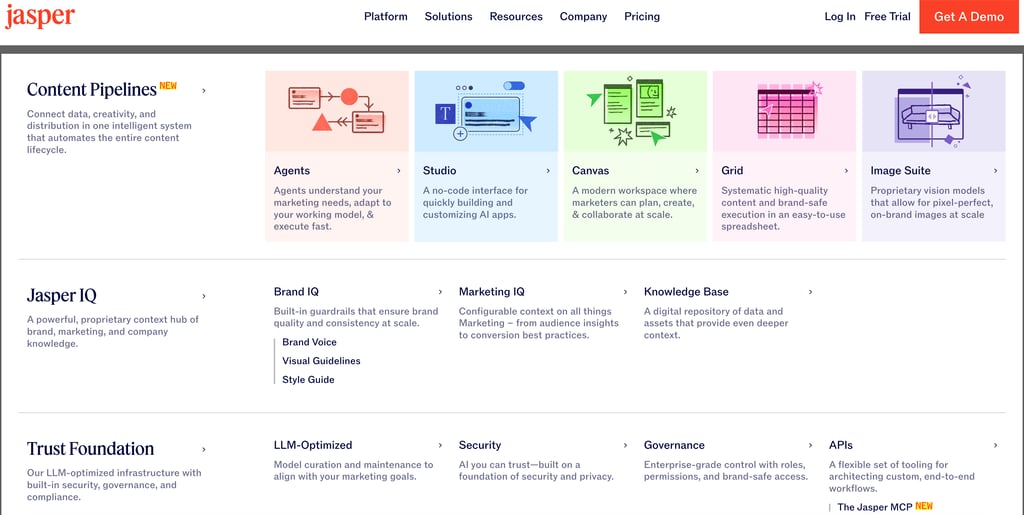
What it does: Jasper is an AI writing assistant specifically designed for long-form content. While ChatGPT is great for quick ideas, Jasper excels at writing full scripts, outlines, and content with consistent tone and structure.
Why it's useful: If you create educational or scripted content, Jasper can write your entire script in minutes. It's trained on high-performing content, so the output is usually better than generic ChatGPT responses.
Key features:
Long-form script writing with tone control
Templates for video hooks, intros, outros
SEO optimization for video descriptions
Brand voice customization
Plagiarism checker (ensures originality)
Pricing:
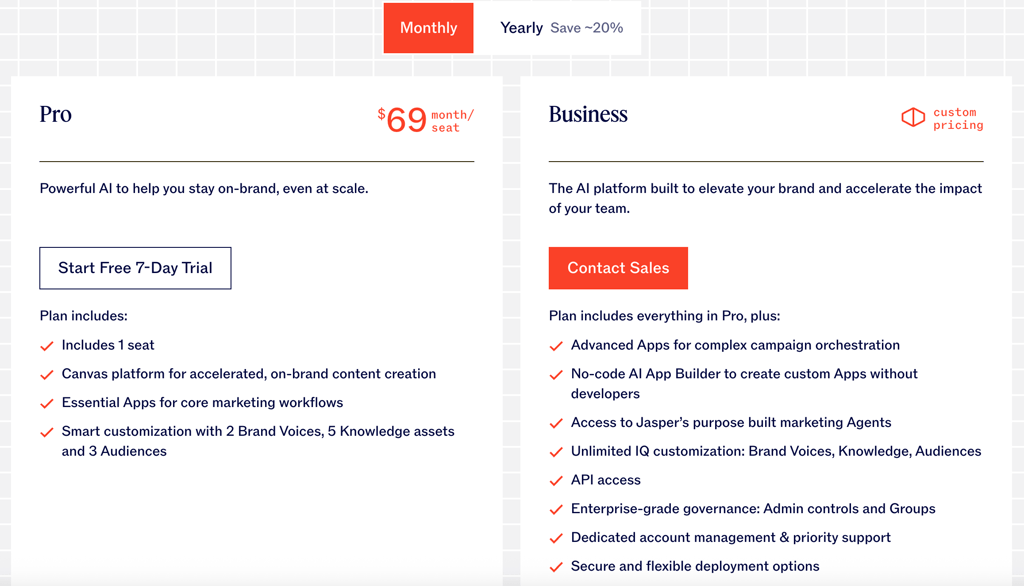
My take: Jasper is overkill for casual creators, but if you're publishing daily and need consistent scripts, it's worth it. ChatGPT is 80% as good for free, though.
Best for: High-volume creators, agencies, or anyone writing scripts daily.
10. Adobe Premiere / CapCut – Professional Video Editing
Best for: Final polish and advanced editing
What it does: These are traditional video editors. Adobe Premiere is the industry standard (used by professionals), while CapCut is a free, beginner-friendly alternative that's exploded in popularity thanks to TikTok.
Why you still need them: AI tools are great for speed, but for color grading, complex transitions, motion graphics, and final polish, you need a real editor.
Key features (Premiere):
Professional-grade color correction
Motion graphics and effects
Multi-cam editing
Audio mixing and mastering
Integration with Adobe ecosystem
Key features (CapCut):
Free and beginner-friendly
Built-in transitions and effects
Auto-captions (surprisingly good)
Trending templates from TikTok
Mobile and desktop versions
Pricing:
Adobe Premiere: $22.99/month (Creative Cloud)
CapCut: Free (with some paid features)
My take: Start with CapCut (free and easy). Upgrade to Premiere when you need advanced features. Or use Descript for 90% of editing and Premiere for final touches.
Best for: Anyone creating polished, professional-looking videos.
How to Build Your YouTube AI Toolkit
You don't need all 10 tools. Here's how to prioritize based on your needs:
Essential Starter Kit (Free - $20/month):
Canva (Free) – Thumbnails
ChatGPT (Free) – Scripts and ideas
CapCut (Free) – Video editing
vidIQ (Free tier) – Basic SEO
Total cost: $0/month
Growing Creator Kit ($30-50/month):
Canva Pro ($13/mo) – Better thumbnails
vidIQ Boost ($16.58/mo) – Full SEO and analytics
ElevenLabs Starter ($5/mo) – AI voiceovers
Descript ($12/mo) – Fast video editing
Total cost: $46.58/month
Pro Creator Kit ($100-150/month):
Canva Pro ($13/mo)
vidIQ Max ($39/mo)
ElevenLabs Creator ($22/mo)
Descript Pro ($24/mo)
Riverside Standard ($15/mo)
OpusClip ($9/mo)
Total cost: $122/month
Full Stack (Agencies/High-Volume Creators):
Add Jasper AI ($49/mo), Adobe Premiere ($22.99/mo), TubeBuddy Legend ($20/mo).
Total cost: $200-250/month
My Recommendations by Creator Type
Beginner (0-1K subscribers):
Focus on free tools (Canva, ChatGPT, CapCut)
Add vidIQ Boost ($16.58) when you hit 500 subs
Don't overspend until you're monetized
Growing Channel (1K-10K subscribers):
Invest in vidIQ Boost, ElevenLabs Starter, Canva Pro
Consider Descript if you edit 3+ videos per week
Total spend: $30-50/month
Established Creator (10K-100K subscribers):
Upgrade to vidIQ Max, ElevenLabs Creator, Descript Pro
Add Riverside if you do interviews
Add OpusClip if you're not doing Shorts yet
Total spend: $80-120/month
Full-Time YouTuber (100K+ subscribers):
Use everything. Tools are business expenses.
Hire an editor but use AI for speed
Total spend: $200-300/month (easily justified by revenue)
What About Free Alternatives?
Yes, there are free alternatives to almost everything:
Free voice: Natural Reader, TTSMaker (worse quality)
Free SEO: YouTube Studio analytics (limited insights)
Free editing: DaVinci Resolve (steep learning curve)
Free design: Canva Free (still excellent)
Free scripts: ChatGPT Free (totally sufficient)
The paid tools save time, not just money. If you value your time at $20/hour, a tool that saves you 2 hours per video pays for itself immediately.
Common Mistakes to Avoid
Mistake #1: Buying every tool at once
Start with 2-3 essentials. Add more as you grow and identify bottlenecks.
Mistake #2: Expecting tools to create content for you
AI tools are assistants, not replacements. You still need creativity, strategy, and execution.
Mistake #3: Using AI voices for every video type
AI voiceovers work great for tutorials and faceless content. For personal vlogs or on-camera content, use your real voice (authenticity matters).
Mistake #4: Ignoring SEO because "content is king"
Great content with bad SEO = no views. Use vidIQ or TubeBuddy to optimize every upload.
Mistake #5: Not testing what works
Use A/B testing (TubeBuddy) to test thumbnails and titles. Data beats guessing.
Final Thoughts: The AI Creator Advantage
In 2026, the creators who win are the ones who leverage AI smartly. You're competing with people who have teams, budgets, and years of experience. AI levels the playing field.
Here's what's possible with this toolkit:
Cut video production time from 20 hours to 8 hours
Generate 10 content ideas in 5 minutes instead of brainstorming for hours
Create professional thumbnails in 5 minutes instead of 45 minutes
Optimize SEO in 10 minutes instead of guessing and hoping
Repurpose 1 long video into 10 Shorts in 15 minutes
That's not hype. That's real.
The creators who ignore these tools will burn out. The ones who embrace them will scale faster than ever before.
Start with the essentials. Test what works. Double down on tools that save you the most time. And keep creating.
Ready to supercharge your YouTube workflow? Start with these two essentials:
Try ElevenLabs → – AI voiceovers that sound human
Try vidIQ → – YouTube SEO and growth analytics
Try descript → – AI editing for every kind of video
Related Posts:
How to Clone Your Voice with AI (Tutorial) (Coming Soon)