Best AI Voice Generators for Content Creators in 2026
I tested the top AI voice generators for voice cloning, narration, and text-to-speech. Here are the best tools for content creators in 2026.
3/15/202611 min read
Best AI Voice Generators for Content Creators in 2026
AI voice generators have crossed the line from robotic novelty to genuinely useful production tools. Synthetic voice technology has improved so dramatically that the best text-to-speech apps now sound natural enough that most listeners can't tell the difference — at least for shorter content like intros, ad reads, narration, and voiceovers.
For content creators, that opens up a lot of possibilities. You can clone your own voice to generate podcast intros without re-recording. You can add professional narration to YouTube videos without hiring voice actors. You can translate your content into other languages while keeping your voice. And you can turn blog posts into audio content without ever touching a microphone.
I've tested the most popular voice AI generators and narrowed it down to the ones that actually deliver for content creators. Here are the best AI voice generators in 2026, with honest takes on what each one does well and where it falls short.
Full disclosure: This post contains affiliate links. If you sign up through them, I may earn a commission at no extra cost to you.
Best Overall: ElevenLabs
What it does: ElevenLabs is widely considered the industry leader in AI voice generation. It uses advanced neural networks to produce text-to-speech with remarkably natural output, voice cloning from short audio samples, multilingual support across 32 languages, and a growing suite of audio tools including dubbing, sound effects, and conversational AI agents.
Why it's the best for content creators:
The voice quality is the main reason ElevenLabs tops every list. The professional grade human-like voices have natural pacing, realistic intonation, and emotional variation that most competitors can't match. You get multiple narration styles — from conversational to dramatic to documentary — and the AI-generated voices maintain consistency even in longer passages. When you generate a two-minute narration, it doesn't flatten out or start sounding robotic halfway through — a common problem with other platforms.
Voice cloning is where things get really powerful. Record a few minutes of your voice, and ElevenLabs creates a digital clone you can use to generate new audio from any text. This is huge for content creators who want consistency across their content without recording every single piece. Use it for YouTube intros, podcast segments, ad reads, or voiceovers for tutorials.
The multilingual capabilities are equally impressive. With 32 languages supported, you can clone your English voice and generate audio in Spanish, French, Japanese, Portuguese, and dozens more. For creators looking to expand into international audiences, this removes what used to be the biggest barrier.
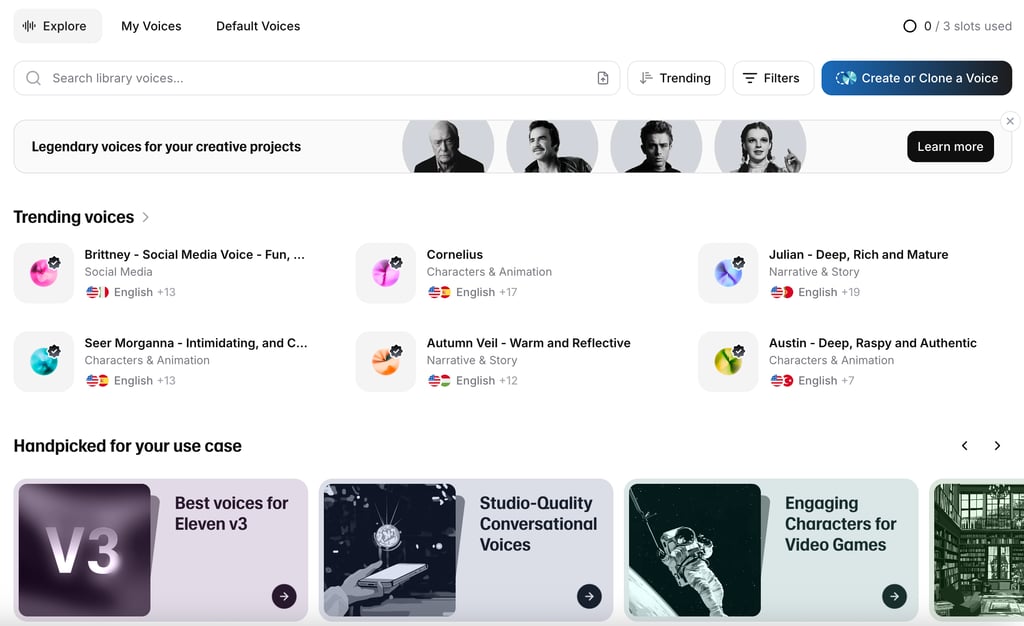
ElevenLabs also offers a Voice Library where you can browse thousands of community-created voices, a Dubbing Studio for translating existing video content, and an API for real time voice generation that developers can integrate into their own tools and workflows. The platform has evolved beyond basic audio editing into a complete voice production ecosystem.
Pricing: Free plan with 10,000 credits/month (~10 minutes of audio). Starter at $5/month with 30,000 credits and commercial rights. Creator at $22/month with 100,000 credits and professional voice cloning. Pro at $99/month with 500,000 credits for production-scale work.
Limitations: The credit system can be confusing — different models consume credits at different rates. Heavy users can burn through credits quickly, especially with the higher-quality Multilingual v2 model. And while the voice cloning is excellent, it works best with clean, consistent source audio.
Best for: Content creators who need the highest quality voice generation, voice cloning, and multilingual support. The go-to choice for YouTubers, podcasters, and anyone producing narrated content.
Read my full review: ElevenLabs Review 2026
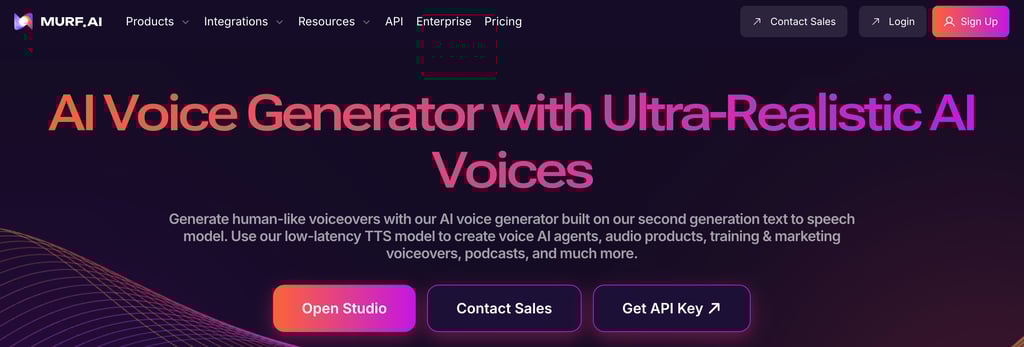
Best Voice Library: Murf.ai
What it does: Murf.ai is an AI voiceover platform with a library of 200+ realistic voices across 20+ languages. It includes a full voiceover studio for editing, syncing audio with video, and adjusting tone, pitch, and emphasis.
Why it's great for content creators:
Where ElevenLabs excels at voice cloning and raw voice quality, Murf.ai shines in its curated voice library and studio workflow. If you don't want to clone your own voice and instead need to choose from a wide selection of professional-sounding AI-generated voices across different narration styles, Murf gives you more variety and control over the output.
The voice editor interface is particularly well-designed for creators who need to sync voiceovers with video content. You can drag and drop video files, align narration to specific scenes, add background music, and adjust the timing of individual voice segments. For creators producing explainer videos, e-learning content, or product demos, this visual workflow is faster than doing audio editing separately.
Murf.ai also lets you fine-tune voices with controls for pitch, speed, emphasis, and pausing. You can highlight specific words and adjust how they're pronounced, which gives you more granular control than most text-to-speech platforms offer.
Pricing: Free trial available. Creator plan at $26/month. Business plan at $59/month. Enterprise pricing available.
Limitations: Voice cloning isn't as strong as ElevenLabs. The pre-built voices are high quality but won't sound exactly like you. And the free tier is very limited — you can preview but not download.
Best for: Creators who need a wide selection of professional voiceover styles rather than a clone of their own voice. Ideal for corporate content, explainer videos, e-learning, and presentations.
Read my full comparison: ElevenLabs vs Murf AI 2026
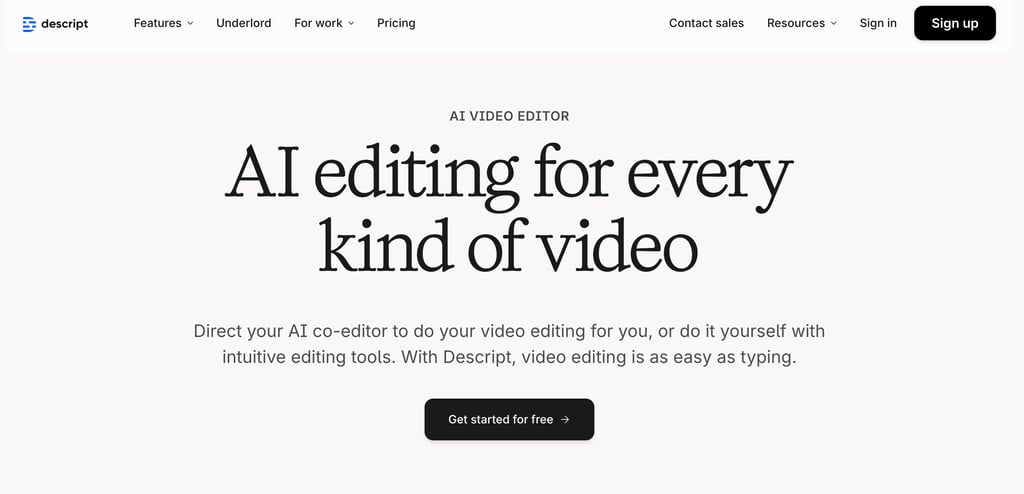
Best for Video Creators: Descript
What it does: Descript is primarily a video editing platform and podcast editor, but its Overdub feature makes it one of the most practical AI voice tools for content creators. Overdub creates a clone of your voice that you can use to generate new audio by typing text.
Why it's great for content creators:
The killer use case for Descript's Overdub is fixing mistakes in recorded content. Say the wrong word during a podcast? Mispronounce something in your YouTube video? Instead of re-recording the entire segment, you type the correction in Descript and Overdub generates the fix in your cloned voice. It slots seamlessly into the existing audio because it was designed for exactly this purpose.
This makes Descript fundamentally different from standalone voice generators. It's not about creating voice content from scratch — it's about making your existing recorded content better. The voice generation is built into the editing workflow, so you're fixing and enhancing your podcast or video rather than generating separate audio files.
Beyond Overdub, Descript includes Studio Sound (AI audio enhancement), filler word removal, transcript-based editing, and social media clip generation. The voice generation feature is one tool in a complete production suite, which makes it incredibly efficient for creators who are already editing in Descript.
Pricing: Free plan with limited features. Hobbyist at $24/month. Creator at $33/month with full AI tools. Business at $55/month for teams.
Limitations: Overdub is specifically designed for corrections and short insertions, not for generating long-form narration from scratch. If you need a full AI narrator for a 10-minute video, ElevenLabs is the better choice. Descript's strength is integrating voice generation into the editing process — it's audio editing software with voice generation built in, not the other way around.
Best for: Podcasters and video creators who want voice cloning for fixing mistakes and generating short segments within their existing editing workflow.
Read my full review: Descript Review 2026
Best for Narration: Speechify
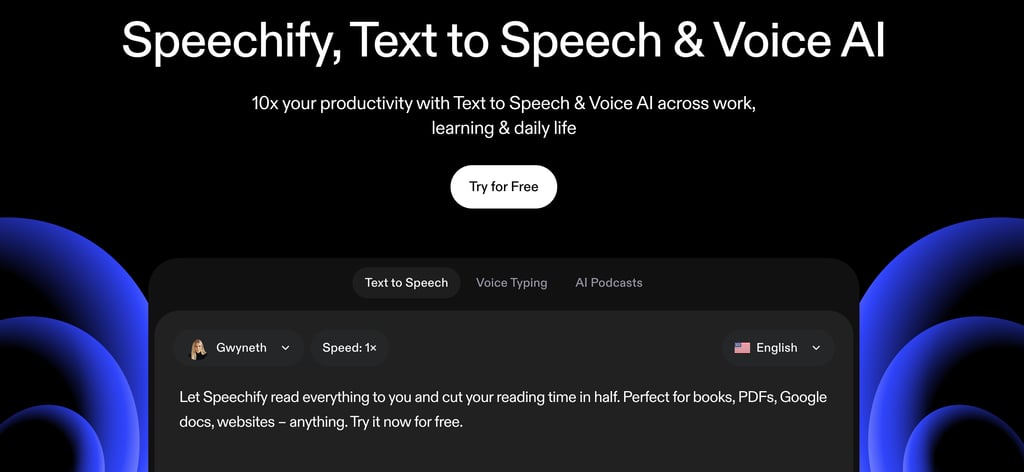
What it does: Speechify is a text-to-speech platform that turns written content — articles, PDFs, documents, ebooks — into natural-sounding audio. It's available as a browser extension, mobile app, and desktop app, making it accessible across devices.
Why it's great for content creators:
Speechify occupies a unique niche: it's optimized for reading existing content aloud rather than generating voiceovers from scripts. For creators who want to turn blog posts into podcast-style audio, create audio versions of newsletters, or simply listen to research material while multitasking, Speechify handles it smoothly.
The voice quality is strong for a reading-focused tool, with natural pacing and good pronunciation across multiple languages. The AI can also clone your voice, so your audio content sounds like you're narrating it personally. Celebrity and character voices are also available for more creative use cases.
Speechify's biggest strength is convenience. The browser extension lets you highlight any text on the web and instantly hear it read aloud. The mobile app lets you import PDFs and documents for listening on the go. It's designed for consumption and accessibility as much as creation.
Pricing: Free plan with limited features. Premium at $139/year. Speechify Studio for creators at $24/month.
Limitations: Not designed for precision voiceover work. If you need to control emphasis on individual words, sync audio to video, or produce broadcast-quality narration for a specific project, dedicated tools like ElevenLabs or Murf handle that better. Speechify is about turning text into listenable audio quickly.
Best for: Creators who want to repurpose written content (blog posts, newsletters, documents) into audio format, or who want a high-quality text-to-speech tool for personal productivity.
Best Free Option: Google Cloud Text-to-Speech
What it does: Google Cloud TTS uses Google's machine learning models to generate high-quality speech from text. It supports 220+ voices across 40+ languages, including WaveNet and Neural2 voices that sound significantly more natural than standard text-to-speech.
Why it's great for content creators:
Google Cloud TTS offers a generous free tier — you get 1 million standard characters or 1 million WaveNet characters per month for free. For creators who need voiceovers occasionally but can't justify a monthly subscription, this is a legitimate option.
The WaveNet and Neural2 voices are genuinely good. They don't match ElevenLabs in terms of emotional range and narrative styles, but for informational narration, explainer content, and straightforward voiceover work, they're more than adequate. Among free AI voice generators, Google Cloud TTS offers the most generous allowance by far.
The main trade-off is that it requires more technical setup than consumer-friendly platforms. You'll need a Google Cloud account and basic familiarity with APIs or their web interface. It's not drag-and-drop like Murf or ElevenLabs.
Pricing: Free tier includes 1 million standard characters and 1 million WaveNet characters per month. Paid usage beyond that is $4-$16 per million characters depending on voice type.
Limitations: The setup process isn't beginner-friendly. You need a Google Cloud account and some comfort with developer tools. The voices are good but lack the emotional nuance of ElevenLabs. No voice cloning. Not designed for creators — it's primarily a developer tool with a creator-usable output.
Best for: Tech-savvy creators who need occasional voiceover work and don't want to pay a monthly subscription. Also great for developers building apps with voice features.
Best for Podcasting Voices: Async
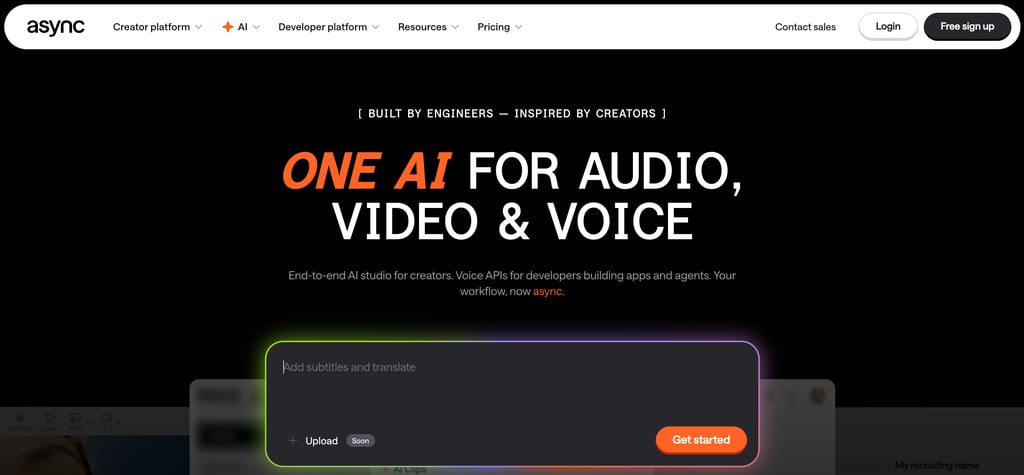
What it does: Async is an all-in-one podcasting platform that includes AI-powered recording, editing, and voice generation. Its Re-voice feature creates a digital clone of your voice from 70 short recording prompts.
Why it's great for content creators:
Async's voice cloning approach is different from ElevenLabs — instead of uploading a sample, you read 70 specific prompts that train the AI on your voice's full range of sounds and inflections. This takes longer to set up (about 30 minutes) but can produce a more accurate clone because the training data covers more phonetic territory.
The platform also includes a full podcast editing suite with background noise removal, audio leveling, multi-track editing, real time collaboration features, and one-click publishing to major podcast platforms. Async also offers a voice changer feature for creators who want to alter their voice for creative purposes. For podcasters specifically, having voice generation built into the same platform where you edit and publish is incredibly convenient.
Async also offers text-to-podcast functionality — paste in a script, choose voices, add background music, and it generates a full podcast-style audio file. This is useful for repurposing blog content into podcast episodes or creating supplementary audio content without recording.
Pricing: Free plan with basic features. Creator at $12/month. Pro at $24/month with Re-voice and advanced features.
Limitations: Voice quality isn't as polished as ElevenLabs for standalone narration. The 70-prompt training process is time-consuming. And the platform is specifically built for podcasting, so if you need voiceovers for video or other formats, a more general tool may be better.
Best for: Podcasters who want voice cloning integrated into a full podcast production platform. Great if you want recording, editing, voice generation, and publishing in one place.
Best for Realistic Emotion: Play.ht
What it does: Play.ht is an AI voice generator focused on producing highly realistic speech with natural emotion. It offers text-to-speech, voice cloning, and an API for integration, with a particular emphasis on making AI voices sound expressive and human.
Why it's great for content creators:
Play.ht's strength is emotional delivery. The voices don't just read text — they perform it with appropriate emphasis, pausing, and tonal variation that makes the output feel conversational rather than generated. For creators producing storytelling content, narrative podcasts, or emotionally nuanced voiceovers, this matters more than raw voice count. You can also layer in background music and do basic audio editing within the platform.
The platform offers ultra-realistic voices, voice cloning, and a blog-to-audio widget that lets website visitors listen to your content. The API is well-documented and suitable for creators who want to automate voice generation.
Pricing: Free tier with limited generation. Pro plan at $39/month. Business plan with more features and capacity.
Limitations: More expensive than ElevenLabs at the entry level. The voice library is smaller than Murf's. Not as well-known, which means fewer tutorials and community resources.
Best for: Creators who prioritize emotional realism in voiceovers and narration. Good for storytelling, audiobook-style content, and any project where the voice needs to convey genuine emotion.
How to Choose the Right AI Voice Generator
The best tool for you depends on what you're actually trying to do:
If you want the best overall voice quality and cloning: ElevenLabs is the clear winner. It has the most natural-sounding output, the best voice cloning, and the widest language support. Start here if you're not sure what you need.
If you need a variety of professional voices: Murf.ai gives you 200+ curated voices with fine-tuned controls. Better than ElevenLabs if you don't want to clone your own voice and instead want to pick from a library of professional options.
If you're already editing video or podcasts: Descript integrates voice generation into the editing workflow. Don't get a separate voice tool if Descript's Overdub feature covers your needs.
If you want to repurpose written content into audio: Speechify is purpose-built for turning text into listenable content. Blog posts, newsletters, documents — it handles them all.
If you need free voice generation: Google Cloud TTS gives you a million characters free per month. It requires some technical setup but the output is solid.
If you're a podcaster who wants an all-in-one platform: Async combines voice generation with podcast editing and publishing.
If emotional delivery matters most: Play.ht produces some of the most expressive AI voices available.
For most content creators reading this, ElevenLabs is the best starting point. The $5/month Starter plan gives you commercial rights and enough credits to experiment, and the voice quality sets the standard that every other tool is measured against. Whether you're replacing a voice actor for narration work or cloning your own voice for consistency, it's the most versatile option available. From there, add specialized tools based on your specific workflow needs.
Want to dive deeper into these tools? Check out my other reviews and comparisons: