Best AI Podcast Tools for Content Creators in 2026
Podcasting in 2026 takes a lot more than a microphone and a good idea. Between editing episodes, cleaning up audio, generating show notes, creating clips for social media, and trying to grow your audience — it can easily eat up 10+ hours per episode if you're doing everything manually.
That's where Artificial Intelligence comes in. The right podcasting tools can cut your production time in half (or more) while actually improving the quality of your output. I've tested dozens of these tools and narrowed it down to the ones that genuinely make a difference for content creators who are serious about podcast creation.
Here's my picks for the best AI podcast tools in 2026, organized by what they actually help you do.
Full disclosure: This post contains affiliate links. If you sign up through them, I may earn a commission at no extra cost to you.
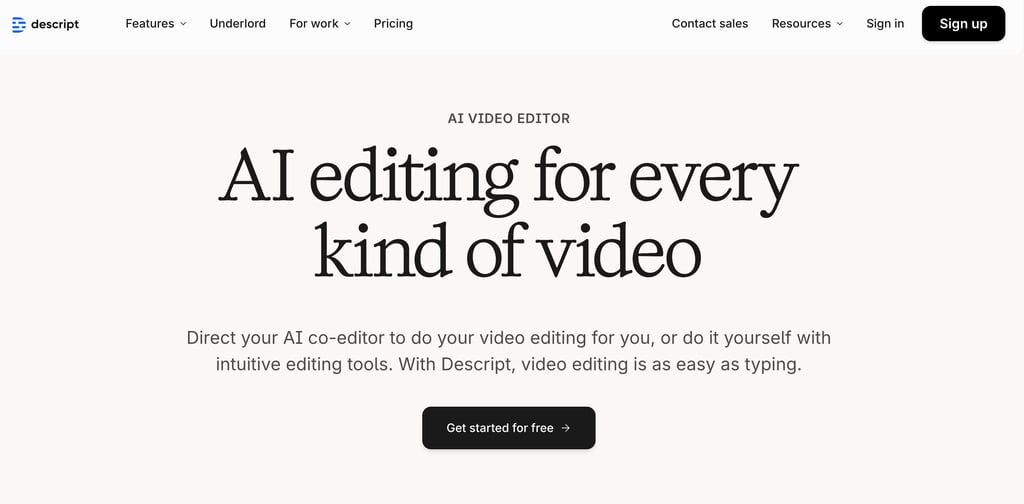
Best Overall Podcast Editor: Descript
What it does: Descript is a full video and podcast editor that lets you edit audio by editing text. Instead of scrubbing through waveforms, you work with a transcript — delete a sentence from the transcript, and it removes the audio. It's that intuitive.
Why it's great for podcasters:
The audio cleanup alone is worth the price of admission. Descript's Studio Sound feature takes audio recorded on a mediocre setup and makes it sound like a professional studio recording. Filler removal automatically strips out every "um," "uh," and "you know" without you touching anything. For podcasters who don't have a treated room or professional equipment, this is a game-changer.
Beyond cleanup, Descript handles the full editing workflow. Transcript editing means you work with text instead of waveforms — multi-track editing lets you handle separate tracks for host and guest audio. Overdub (AI voice cloning) lets you fix mistakes by typing what you meant to say and having AI generate it in your voice. Eye contact correction adjusts your gaze for video podcasts, and green screen backgrounds let you drop in any backdrop. Even non-technical creators can produce polished episodes without learning complex audio editing software.
Descript also generates show notes, episode titles, chapter markers, and short-form clips from your episodes. It's not just an editor — it's a complete podcast production suite.
Pricing: Free plan with 1 hour of transcription (watermarked). Hobbyist at $24/month for 10 hours. Creator at $33/month for 30 hours with full AI tools and 4K export. Business at $55/month for teams.
Best for: Podcasters who want one tool to handle editing, audio cleanup, transcription, and clip generation. Especially great for solo creators and small teams who don't want to learn Adobe Audition or Logic Pro.
Read my full review: Descript Review 2026
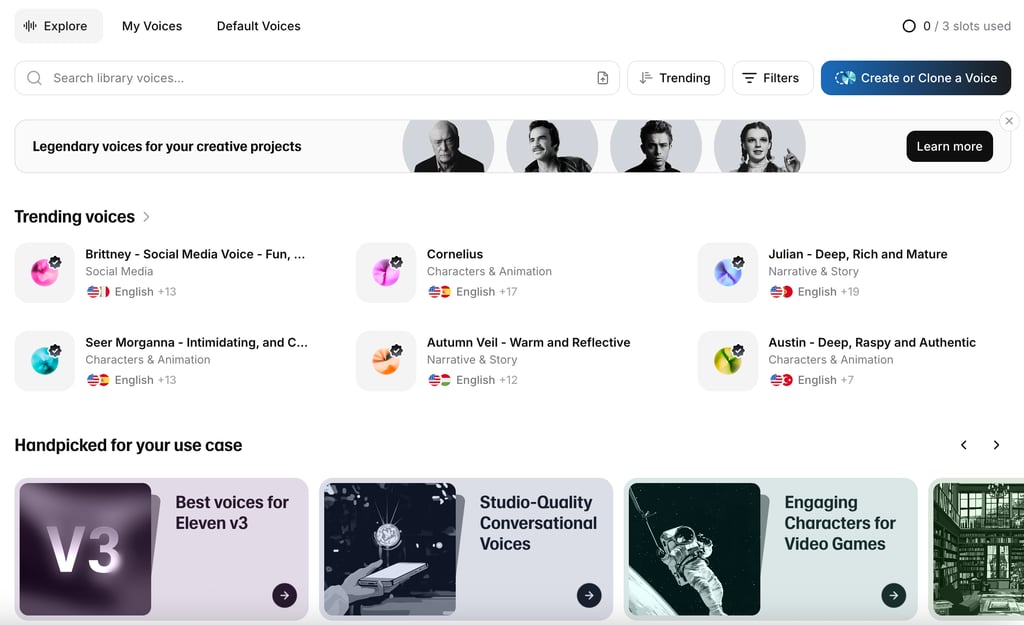
Best AI Voice Generator: ElevenLabs
What it does: ElevenLabs is the most advanced AI voice platform available. It generates incredibly natural-sounding speech from text, clones your voice with just a few minutes of sample audio, and supports 32 languages.
Why it's great for podcasters:
There are a few ways podcasters are using ElevenLabs right now. The most popular is creating professional intros and outros without hiring a voice actor. Clone your own voice once, and you can generate polished intro segments that sound exactly like you — perfect consistency every time, no re-recording needed.
Another huge use case is repurposing written content into podcast episodes. If you have blog posts, newsletters, or articles, ElevenLabs can turn them into natural-sounding audio content using AI-generated voices. The voice quality has gotten to the point where most listeners genuinely can't tell it's AI, especially in short-form content like intros, ad reads, and narration segments. These professional voices rival what you'd get from hiring a human voice actor.
For multilingual podcasters, the voice cloning technology also lets you "speak" languages you don't actually know. Clone your English voice, and ElevenLabs can generate audio of "you" speaking Spanish, French, Japanese, and dozens more.
Pricing: Free plan with limited characters. Starter at $5/month. Creator at $22/month. Pro at $99/month for commercial use and higher limits.
Best for: Podcasters who need voiceovers, intros, translated content, or want to repurpose written content into audio format. Also great for content creators adding narration to video content.
Read my full review: ElevenLabs Review 2026
Best for Podcast Clip Repurposing: OpusClip
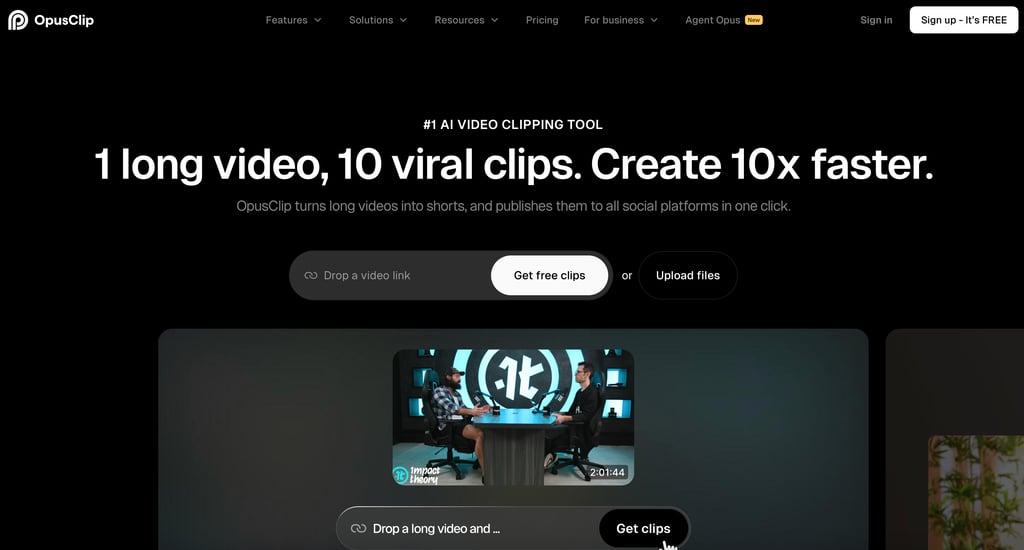
What it does: OpusClip takes long-form video content — including video podcast episodes — and uses AI to automatically find the most engaging moments and turn them into short, captioned, vertical clips ready for social media.
Why it's great for podcasters:
If you record video podcasts (and in 2026, you probably should be), OpusClip is the fastest way to turn a single episode into 10-20 social media clips. The AI handles clip extraction automatically — it analyzes your conversation, identifies the most compelling moments, and generates highlight reels with animated captions, speaker tracking, and automatic reframing from landscape to vertical format.
Each clip gets a Virality Score so you can prioritize which ones to post first. And the built-in social media scheduler lets you auto-post to YouTube Shorts, TikTok, Instagram Reels, LinkedIn, and X — meaning you can schedule a week's worth of content from a single recording session. You can also repurpose clips as YouTube videos for your main channel.
For podcasters, this is arguably the most efficient growth tool available. One 60-minute episode can fuel your entire social media presence for a week or more, and OpusClip handles the heavy lifting of finding the best moments and formatting them for each platform.
Pricing: Free plan with limited clips. Starter at $19.99/month. Pro at $49.99/month with social scheduling and more clips.
Best for: Video podcasters who want to grow their audience through short-form social content without spending hours manually clipping and editing highlights.
Read my full review: OpusClip Review 2026
Best for AI Audio Enhancement: Adobe Podcast
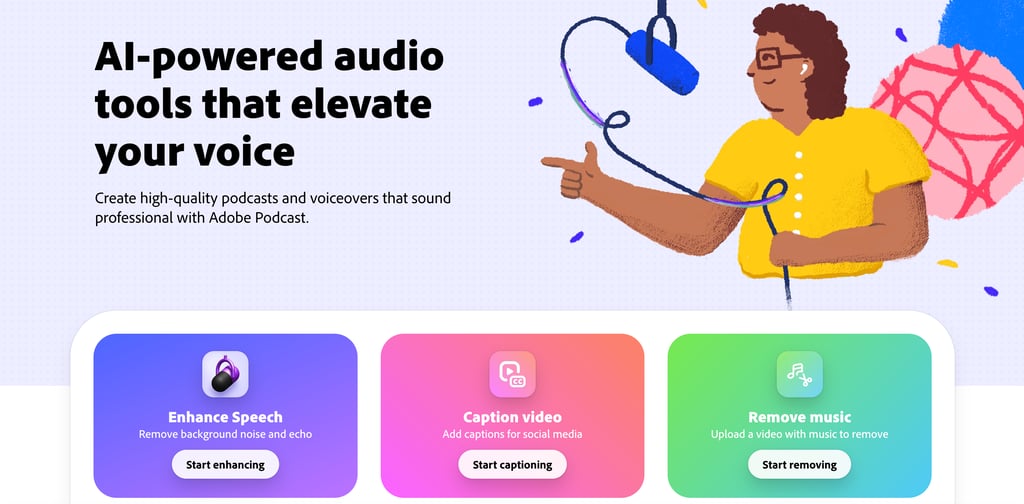
What it does: Adobe Podcast Studio (formerly Project Shasta) is a web-based AI audio tool that includes "Enhance Speech" — a feature that dramatically improves audio quality by removing background noise, echo, and room tone. It also includes transcript-based editing, sound effects management, and recording with remote guests.
Why it's great for podcasters:
The Enhance Speech feature is legitimately impressive. Upload audio that sounds like it was recorded in a bathroom, and Adobe's AI makes it sound like a treated studio. It's free for limited use, which makes it accessible to every podcaster regardless of budget.
Adobe Podcast also offers transcript-based editing similar to Descript, plus the ability to record remote guests with individual audio tracks captured locally — so even if a guest has bad internet, you still get clean audio files.
The main limitation is that it's still relatively new compared to Descript and doesn't have the same depth of editing features. But for audio enhancement specifically, it's one of the best free tools available.
Pricing: Free tier with limited usage. Included with Adobe Creative Cloud subscriptions.
Best for: Podcasters who need to clean up audio quality but don't want to pay for a full editing suite. Perfect as a complement to other tools — enhance your audio in Adobe Podcast Studio, then edit in your preferred editor.
Best for Remote Recording: Riverside FM
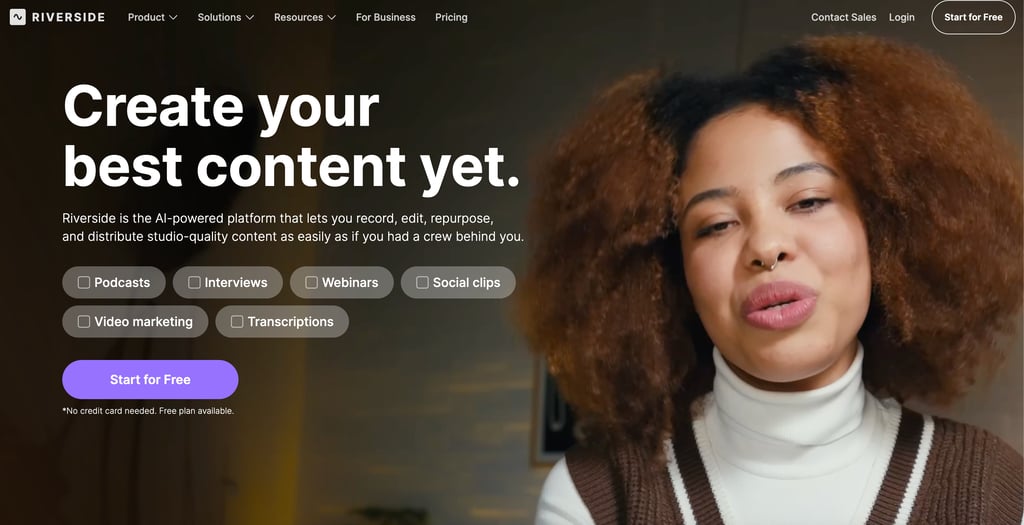
What it does: Riverside FM is a browser-based recording platform that captures studio-quality audio and video from remote guests. Unlike Zoom or Google Meet, Riverside records each participant's audio and video locally, then uploads the files — so internet quality doesn't affect recording quality.
Why it's great for podcasters:
If your podcast involves interviews or co-hosts who aren't in the same room, Riverside FM solves the biggest technical challenge: getting broadcast-quality audio from remote guests. Each person's audio is recorded at full quality on their device, regardless of their internet connection. You get separate tracks per speaker in lossless audio.
Riverside also includes AI features like automatic transcription, show notes generation, and "Magic Clips" — which are similar to OpusClip's auto-clipping but built directly into the recording platform. Record an episode, and Riverside generates highlight clips you can review and post without switching to another tool.
The platform supports up to 4K video recording and live streaming to YouTube, LinkedIn, and other platforms simultaneously.
Pricing: Free plan with 2 hours of recording per month at 720p. Standard at $15/month for 5 hours and 4K video. Business at $24/month for 15 hours and additional features.
Best for: Interview-based podcasters who need professional remote recording. Especially useful for video podcasters who want recording, transcription, and basic clip generation in one platform.
Best for Show Notes and Repurposing: Castmagic
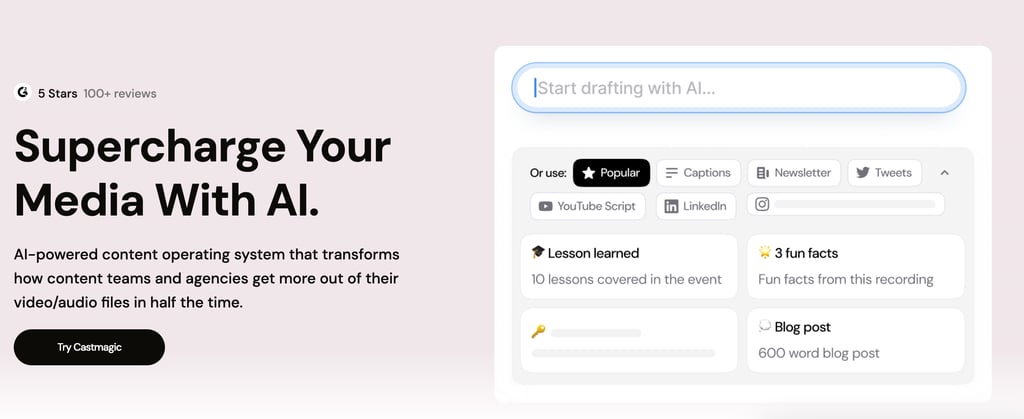
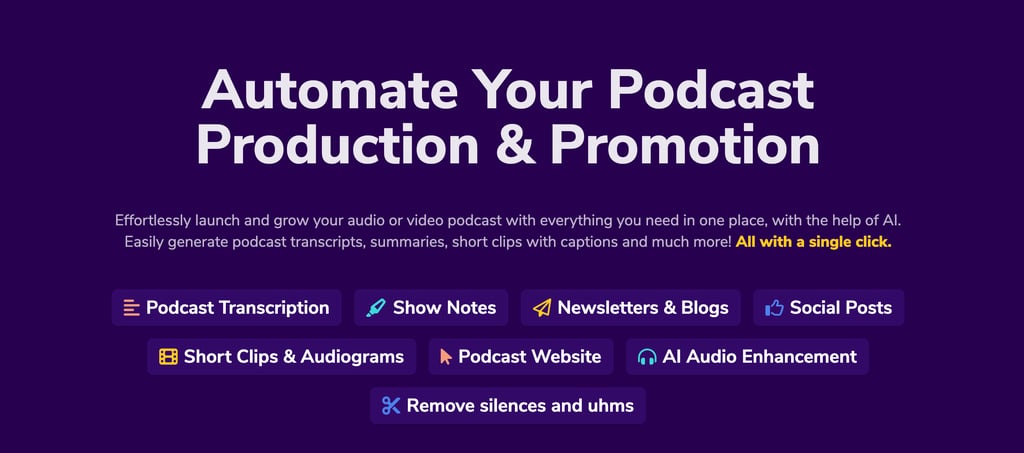
What it does: Castmagic takes your podcast audio and uses AI to generate comprehensive show notes, timestamps, newsletter content, social media posts, blog drafts, and more — all from a single episode recording.
Why it's great for podcasters:
The content repurposing capabilities are where Castmagic really shines. Upload one podcast episode and it generates a full content package: detailed show notes with timestamps, a newsletter draft, social media posts for multiple platforms, blog post outlines, key quotes, and episode summaries. All of this would normally take hours of manual work.
For podcasters who want to maximize the value of every episode across multiple channels — email, blog, social media — Castmagic turns a single recording into a full week of content. It's particularly useful for business podcasters and content marketers who need to justify the time investment of podcasting by extracting maximum value from each episode.
Pricing: Free for 50 minutes per month. Pro at $29/month for more usage and features.
Best for: Podcasters who want to turn every episode into multiple pieces of content across different platforms. Great for business podcasters and content marketers who need show notes, newsletters, and social posts from their episodes.
Best for Audio Cleanup: Cleanvoice AI
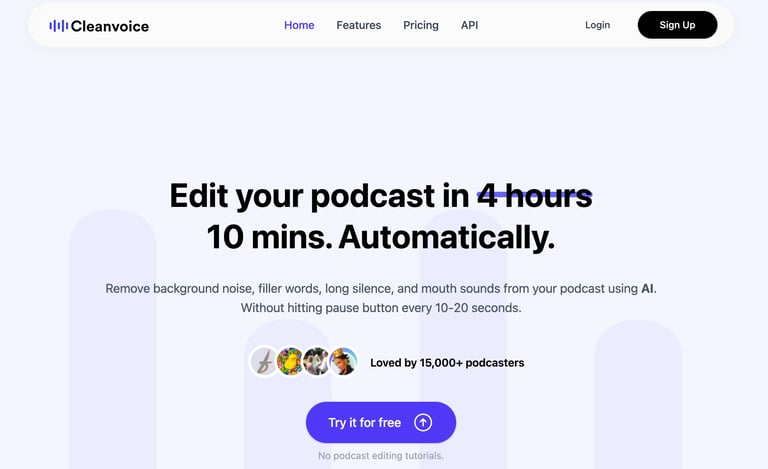
What it does: Cleanvoice AI is a specialized tool that automatically removes filler words, mouth sounds, stuttering, long pauses, and other audio distractions from your podcast recordings.
Why it's great for podcasters:
While Descript and Adobe Podcast both offer filler removal, Cleanvoice goes deeper. It catches mouth clicks, lip smacks, breathing sounds, and even handles audio leveling and dead air — the kinds of small audio imperfections that accumulate over a 60-minute episode and make the difference between amateur and professional-sounding audio.
The tool works in multiple languages and handles multi-track recordings, cleaning each speaker's audio individually. You upload your files, Cleanvoice processes them, and you download clean audio ready for your editor.
It's a focused, do-one-thing-well tool. If your audio quality is your biggest bottleneck, Cleanvoice is worth adding to your workflow even if you're already using Descript for editing.
Pricing: Free for a trial episode. Plans start at around $10-30/month depending on usage.
Best for: Podcasters obsessed with audio quality who want deeper filler words removal and cleanup than what general-purpose editors provide. Works great as a pre-processing step before editing in Descript or any other editor.
Best for Podcast Marketing: Podsqueeze
What it does: Podsqueeze generates marketing content for your podcast using AI. Connect your RSS feed or upload an episode, and it creates transcriptions, show notes, timestamped highlights, social media posts, newsletter drafts, and blog content.
Why it's great for podcasters:
The reality of podcasting in 2026 is that creating the episode is only half the work. Promoting it across social media, email, and your website takes just as much time — and that's where most podcasters drop the ball. Podsqueeze automates the promotional side by generating all the marketing materials you need from a single audio file.
It's similar to Castmagic in functionality, but Podsqueeze integrates directly with your RSS feed, making it easy to process new episodes automatically as they publish.
Pricing: Free for 50 minutes per month. Plans from $12/month for more usage.
Best for: Podcasters who are consistent with recording but struggle to promote their episodes across channels.
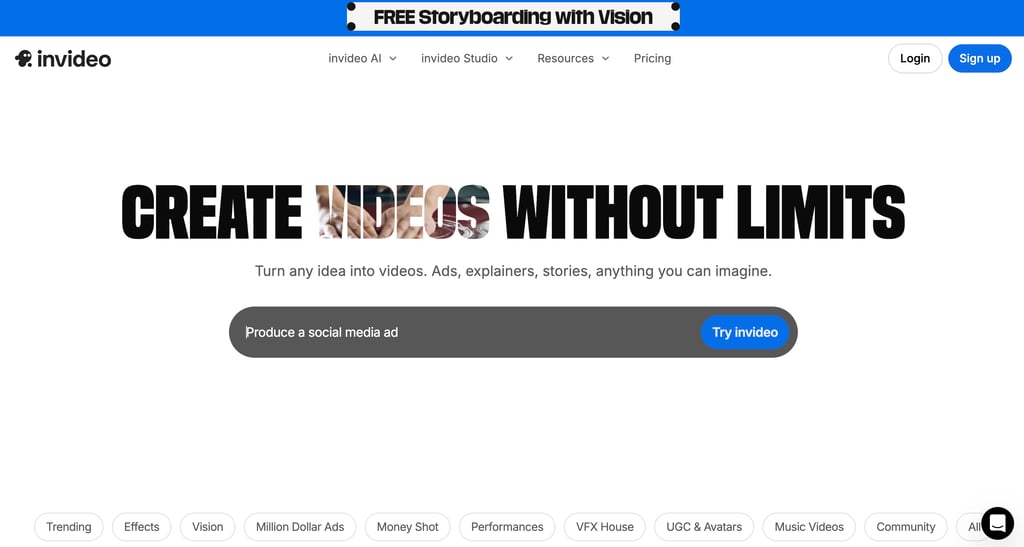
Best for Video Podcast Editing: InVideo
What it does: InVideo is an AI-powered video editor that's particularly useful for turning podcast content into polished video. It includes templates, AI-generated scripts, text-to-video capabilities, and automated editing features.
Why it's great for podcasters:
For podcasters who want to create video versions of their episodes (or promotional video content), InVideo offers a faster path than traditional video editing software. You can create audiograms, video trailers, episode teasers, and full video podcast layouts using templates specifically designed for podcast content.
The AI can also help you create supplementary video content — like explainer videos or promotional clips — that support your podcast without requiring you to be on camera.
Pricing: Free plan with watermarks. Business at $25/month. Unlimited at $50/month.
Best for: Podcasters who want professional video content without advanced video editing skills. Great for creating audiograms, promotional trailers, and video versions of audio-only episodes.
Read my full review: InVideo Review 2026
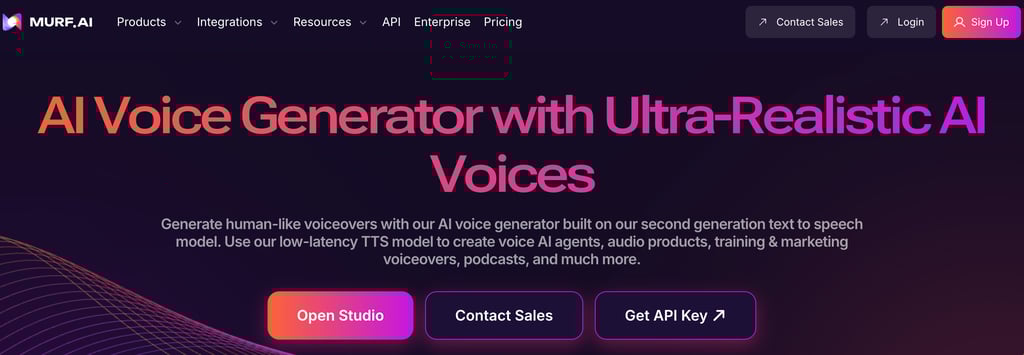
Best for AI Voice Variety: Murf.ai
What it does: Murf.ai is an AI voice generator with a library of 200+ realistic voices across 20+ languages. It turns text into natural-sounding speech and offers a full studio for editing voiceovers.
Why it's great for podcasters:
While ElevenLabs leads in voice cloning quality, Murf.ai offers a broader library of pre-built voices with more control over tone, emphasis, and pacing. This makes it particularly useful for podcasters who need multiple distinct voices — for example, creating character voices for narrative podcasts, generating voiceovers for different segments, or producing podcast content in multiple languages with native-sounding voices.
Murf's studio interface also makes it easy to sync voiceovers with video content, add background music, and adjust timing — useful for podcasters who produce more produced, multi-segment shows.
Pricing: Free trial available. Plans start at $26/month.
Best for: Narrative podcasters who need multiple voice characters, and creators producing content in multiple languages who want a wide variety of natural-sounding voices.
Read my full comparison: ElevenLabs vs Murf AI
How to Build Your AI Podcast Stack
You don't need all of these tools — and you definitely don't need an AI podcast generator that tries to do everything. The best approach is building a podcast workflow with specialized tools that each handle one part of the process really well. Here's how I'd approach building your toolkit depending on your situation:
Just starting out (free or under $30/month): Start with Descript's free plan for editing and transcription, Adobe Podcast's free Enhance Speech for audio cleanup, and ElevenLabs' free tier for intros. This covers your core production needs at zero cost.
Solo podcaster ready to invest ($50-75/month): Upgrade to Descript Creator ($33/month) for full editing and AI tools. Add ElevenLabs Creator ($22/month) for professional voice generation. Use Podsqueeze's free tier for show notes. That's a complete production and marketing pipeline for under $60/month.
Video podcaster focused on growth ($75-130/month): Descript Creator ($33/month) for editing, OpusClip Pro ($49.99/month) for automated clip repurposing and social scheduling, and ElevenLabs for voiceovers and intros. This stack maximizes your social media output and audience growth.
Interview-based podcaster ($50-75/month): Riverside FM Standard ($15/month) for remote recording, Descript Hobbyist ($24/month) for editing and cleanup, and Castmagic or Podsqueeze for show notes and repurposing.
The key is choosing tools that complement each other rather than overlap. Descript is the foundation for most podcasters, then you add specialized tools based on your specific needs — voice generation, clip repurposing, remote recording, or marketing content.
Final Thoughts
Podcasting doesn't have to eat up your entire week anymore. The right combination of AI podcasting tools can take you from raw recording to published episode with show notes, clips, and social content in a fraction of the time it used to take. Whether you use a single AI podcast generator or build a custom podcast workflow with specialized tools, the goal is the same: spend less time on production and more time creating great content.
If you only try one tool from this list, make it Descript. It handles the biggest time sink in podcasting — editing — and does it in a way that feels natural even if you've never touched audio editing software. From there, add ElevenLabs for voice generation and OpusClip for clip repurposing, and you've got a stack that covers production, enhancement, and growth.
The best part? Most of these tools have free plans or trials, so you can test them without committing any money.
Looking for more AI tool recommendations? Check out these guides: